

AGE
13+
Years Old
LANGUAGE
EN
English
LOOK
Dark Mode
The Egyptian Hieroglyph Quadrat app for iPhone, iPad and Mac allows you to visually design common hieroglyphic quadrats
A quadrat is a rectangular arrangement of glyphs that is æsthetically pleasing with reduced unused space on stone or papyrus.
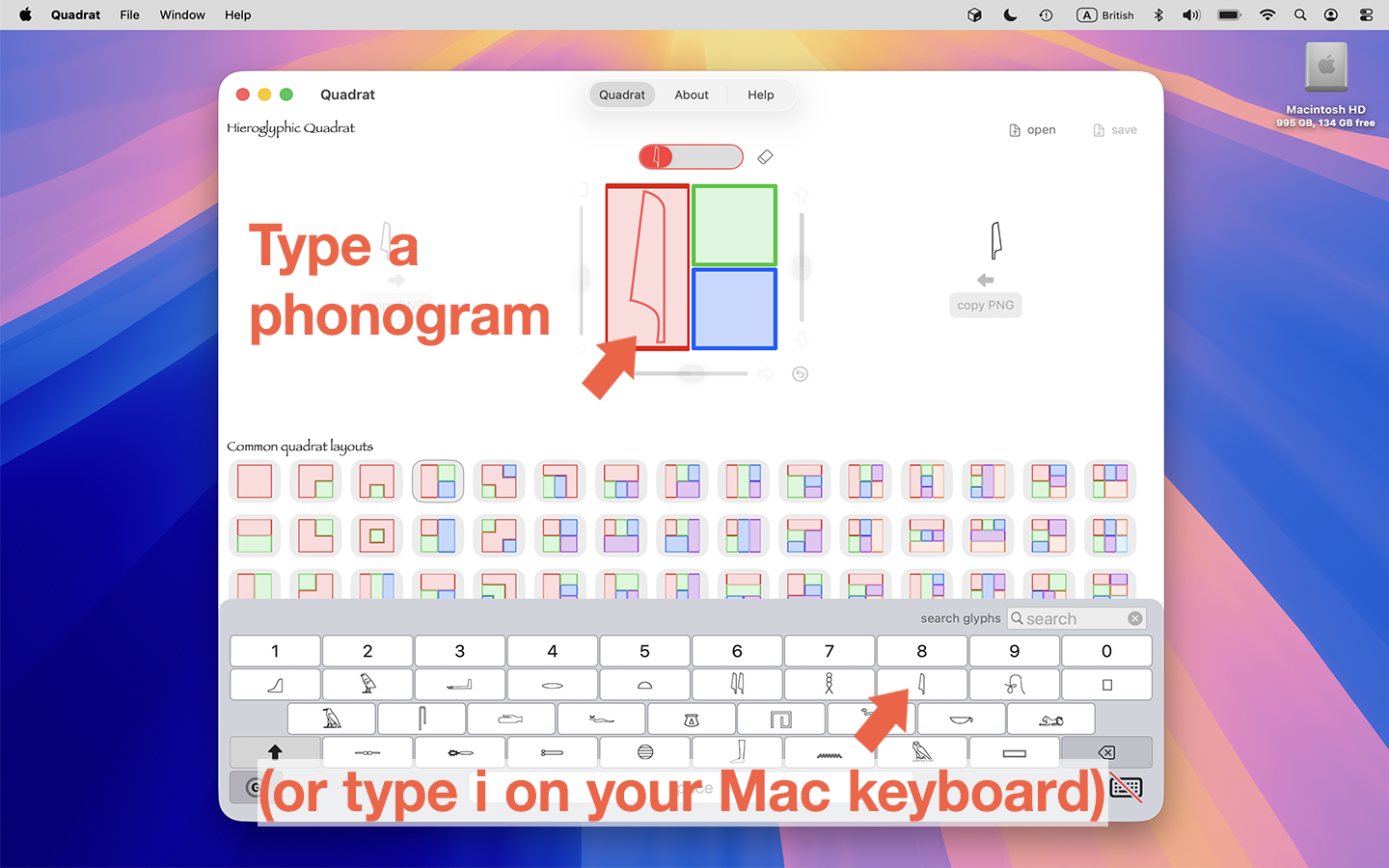
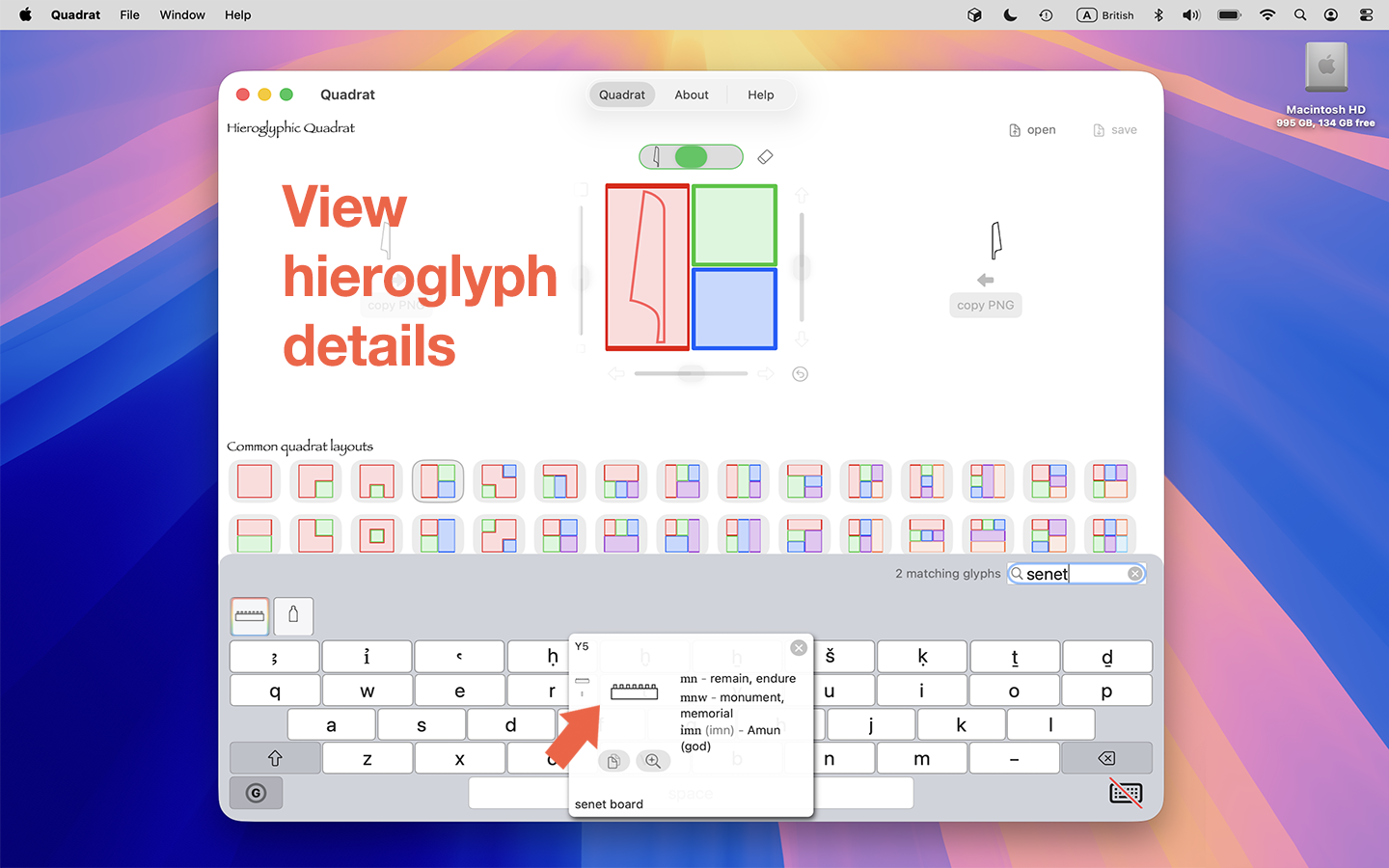
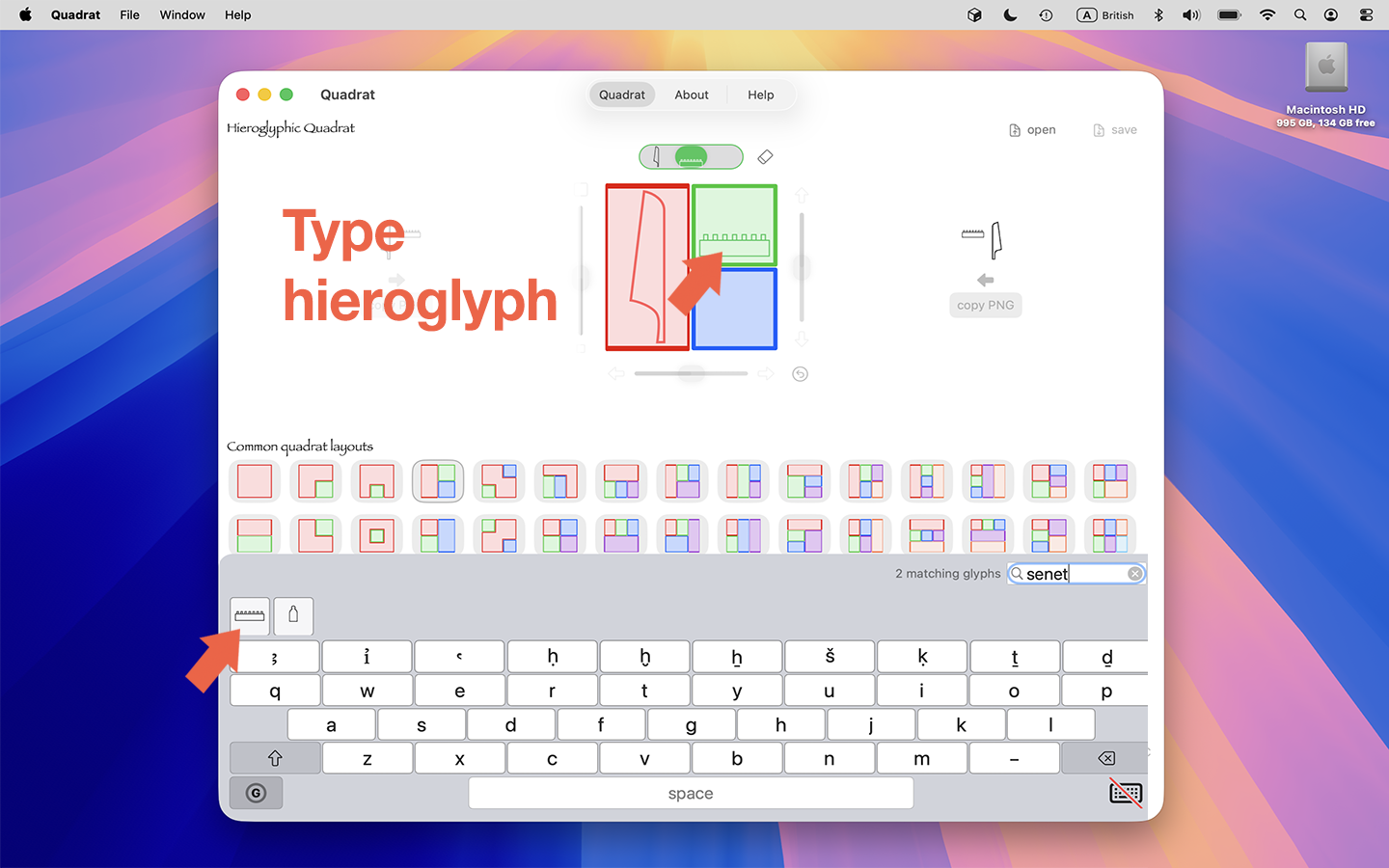
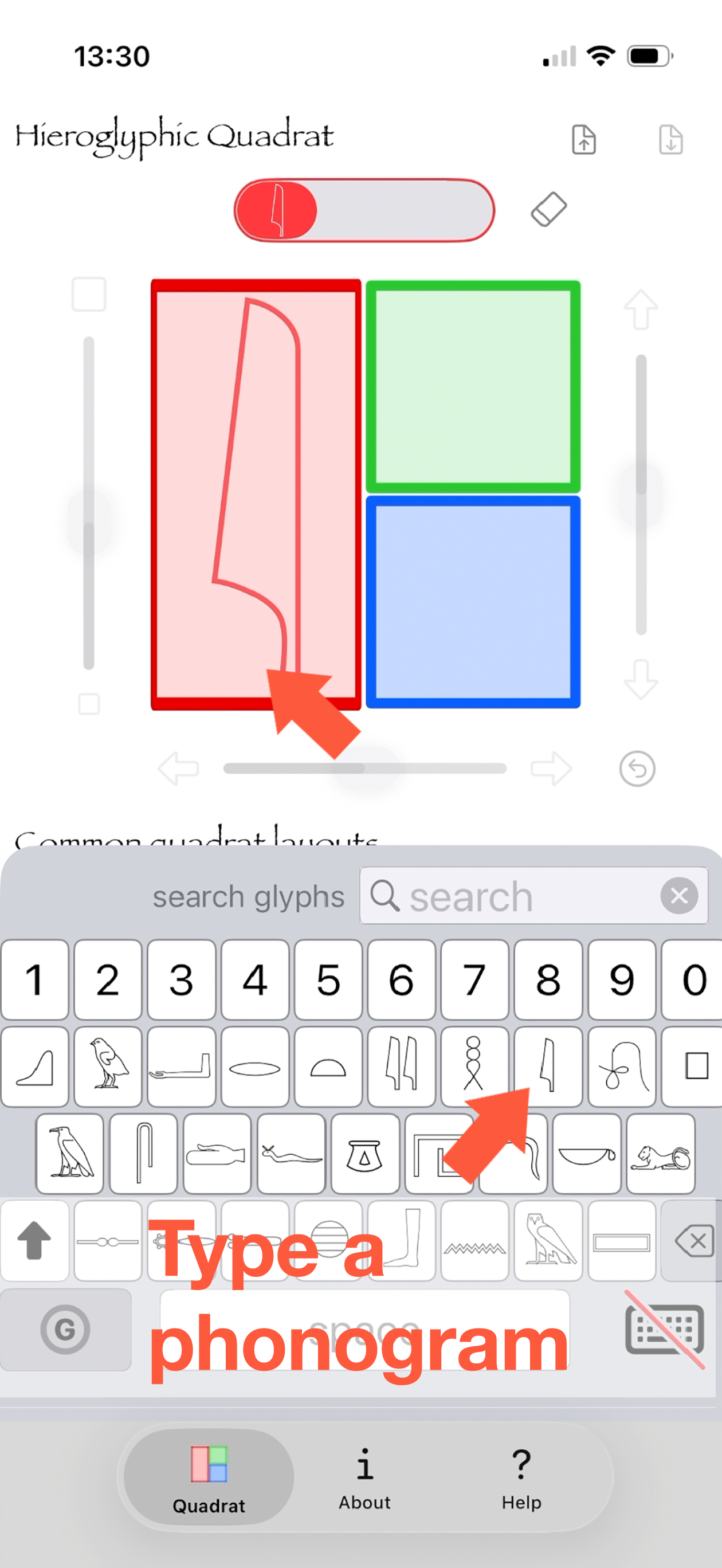
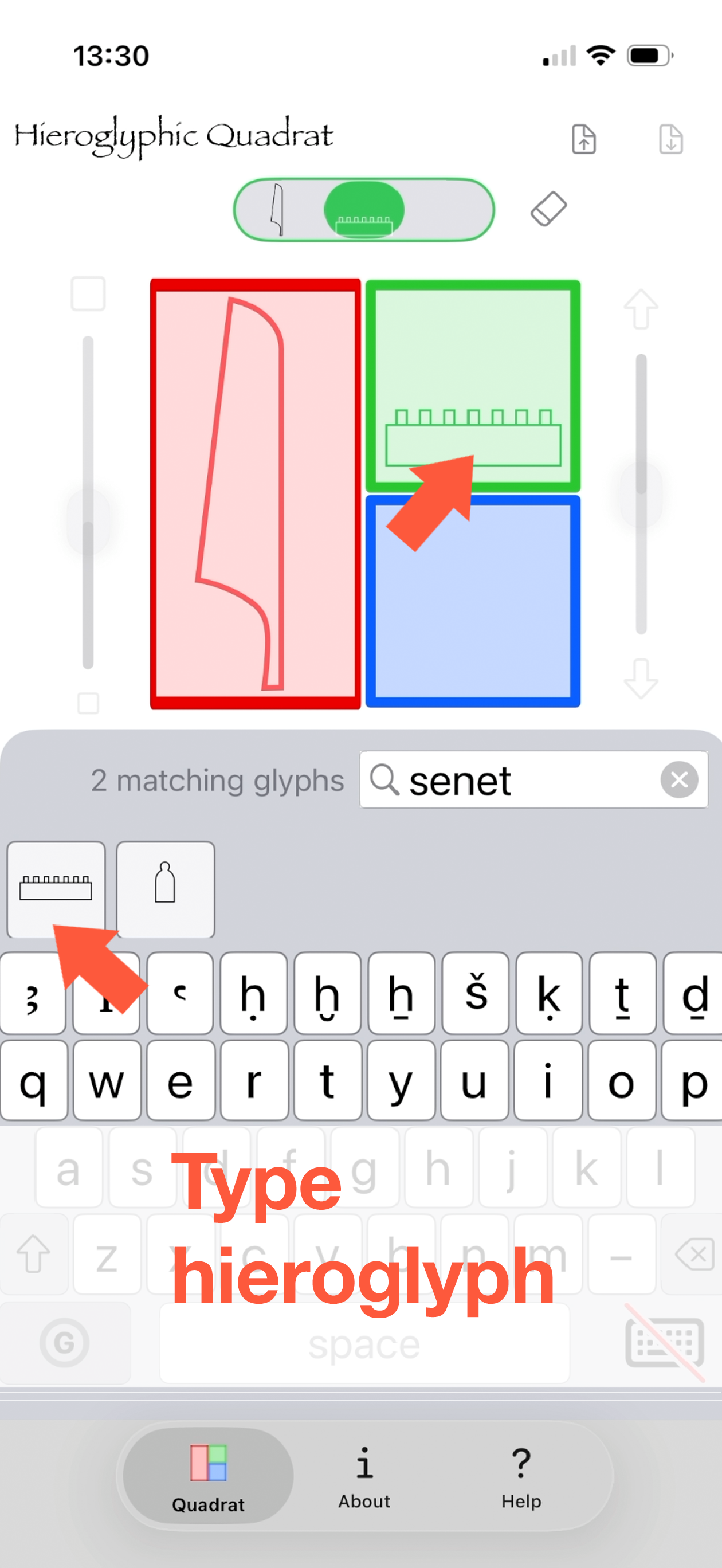
Type your hieroglyphs using the virtual Middle Egyptian hieroglyph keyboard in this app, or with your Mac keyboard or magic keyboard for iPad.
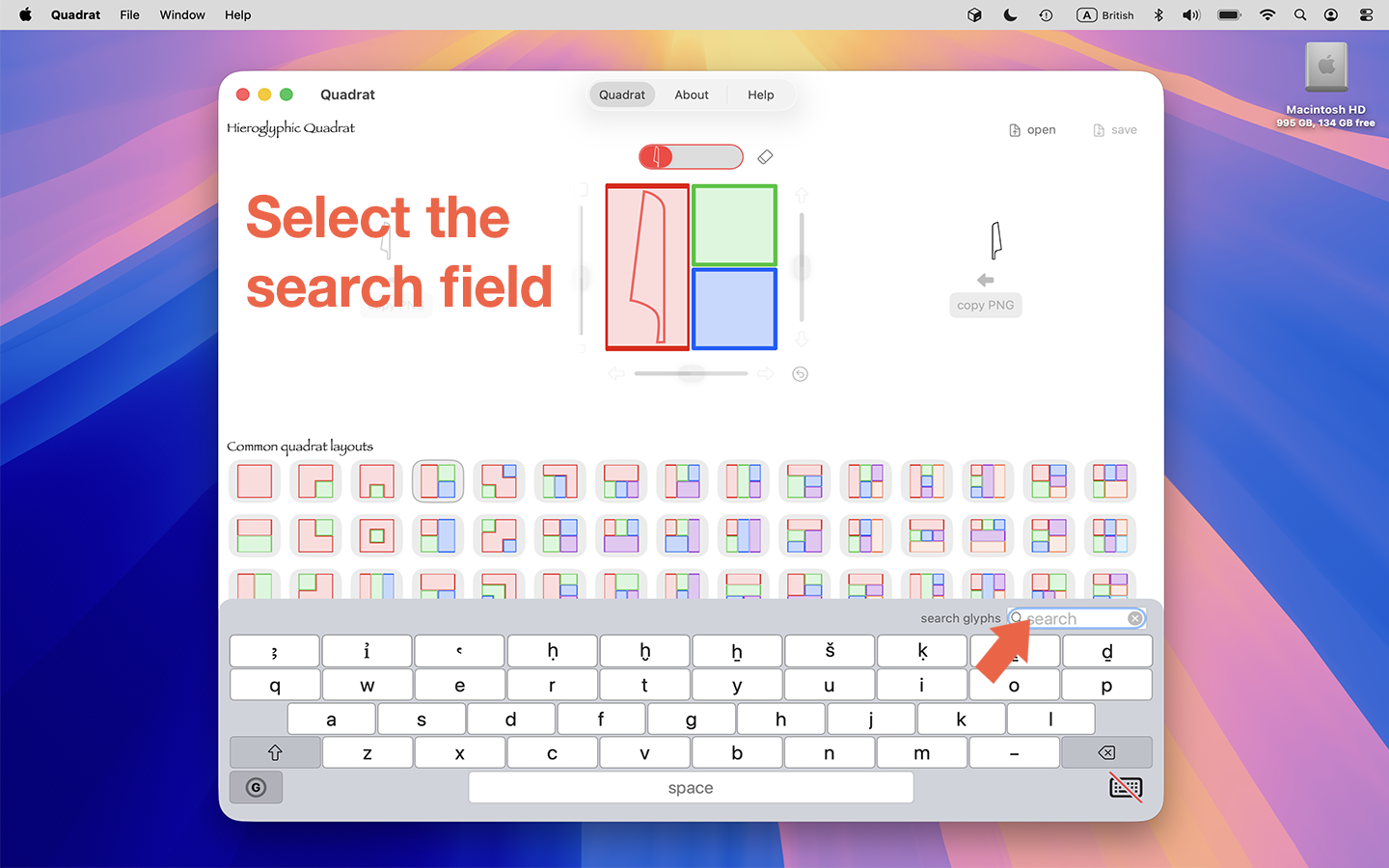
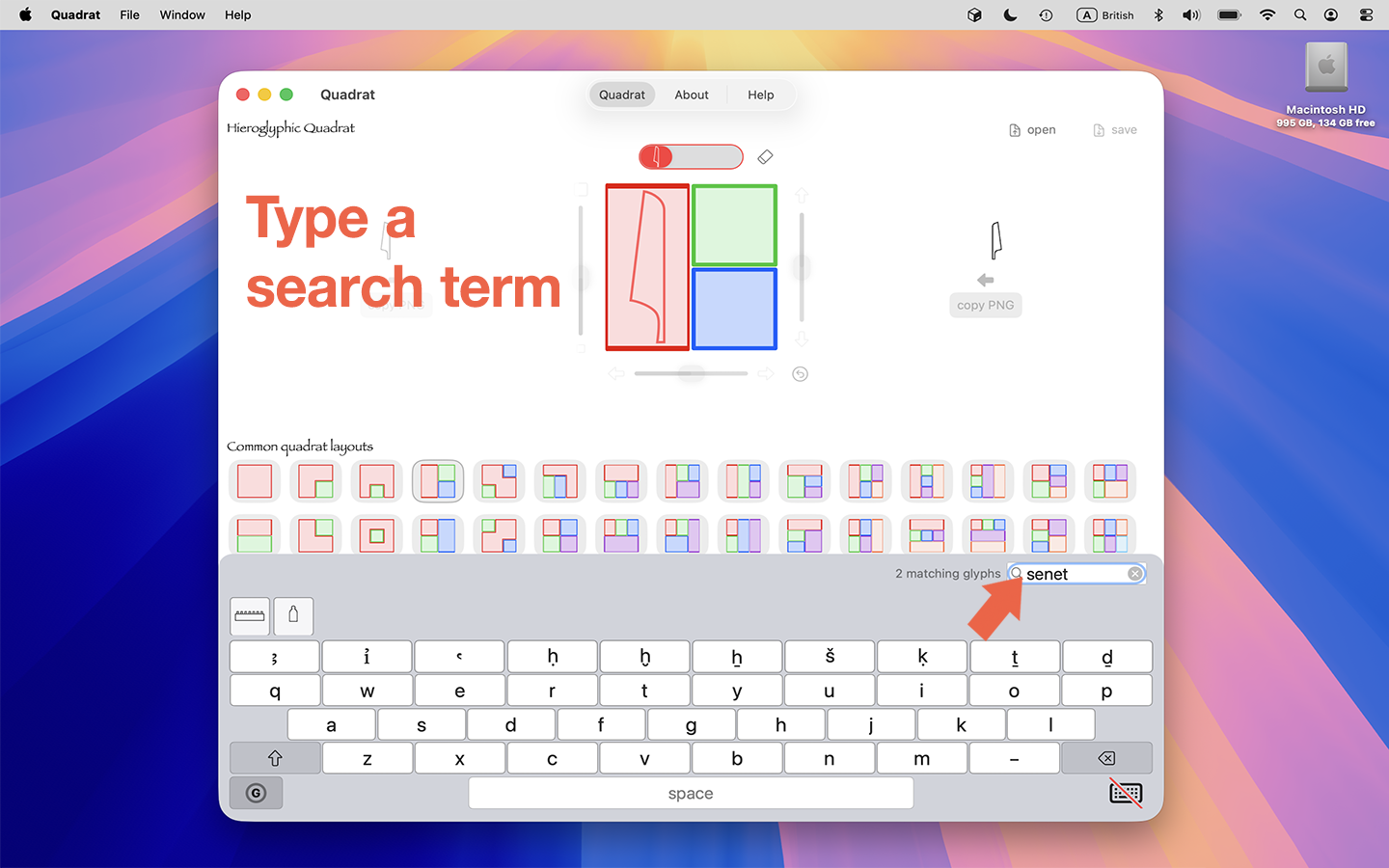
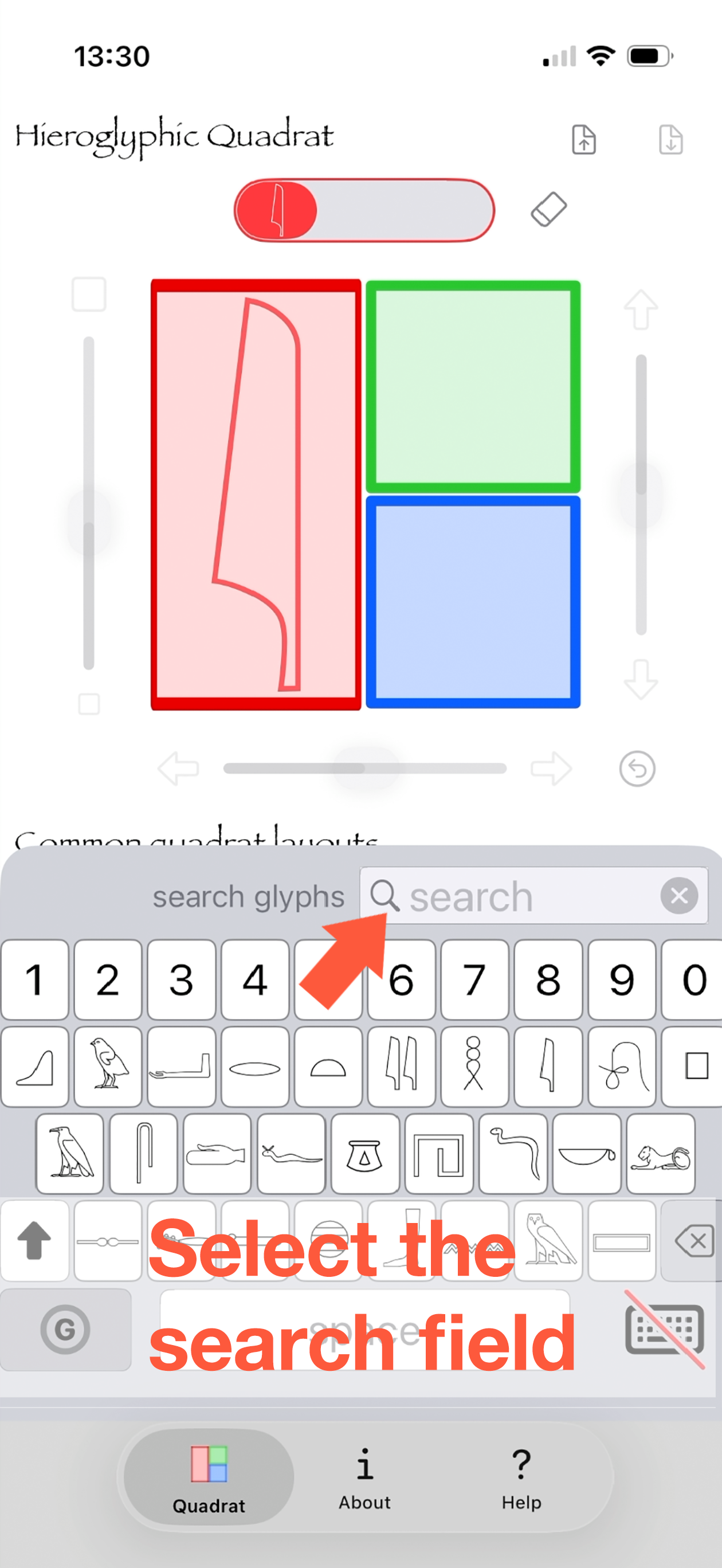
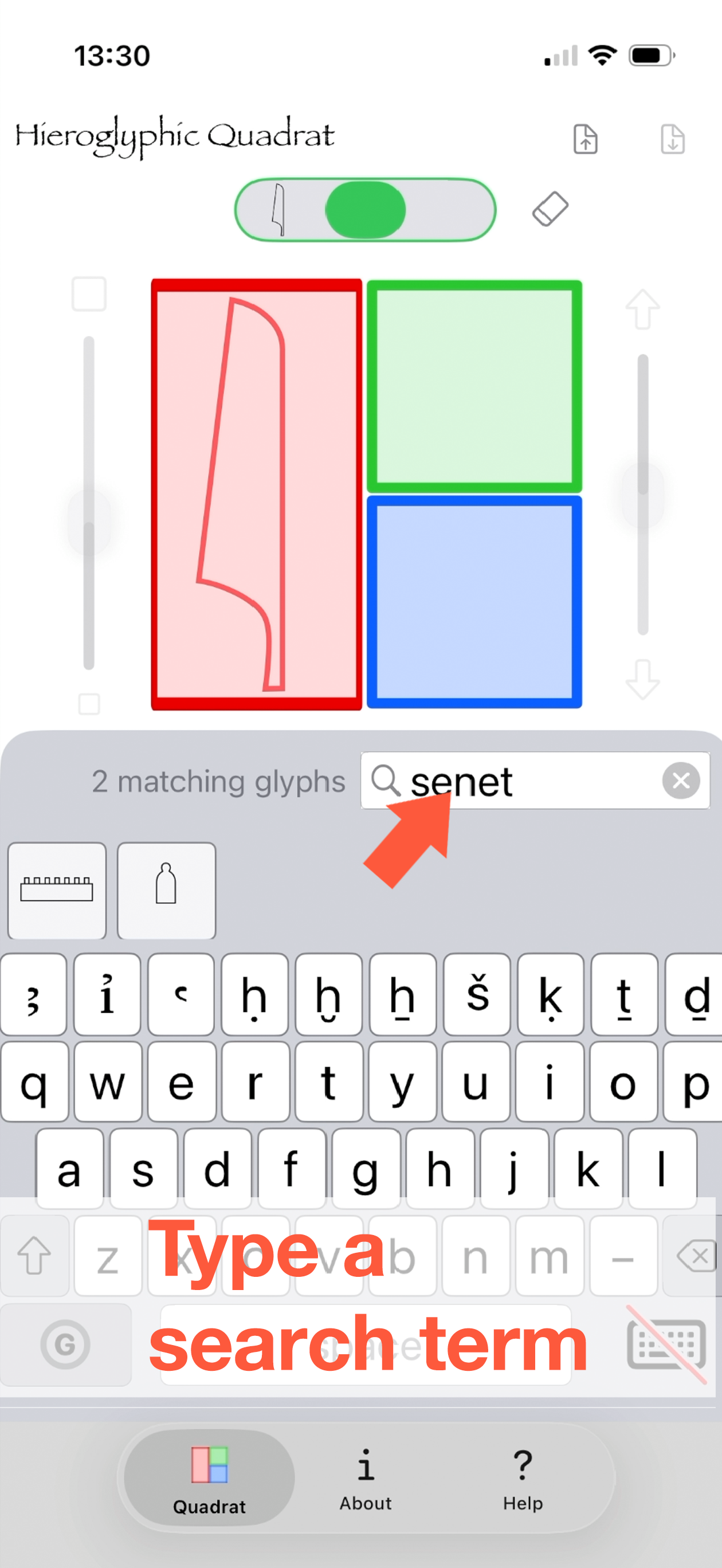
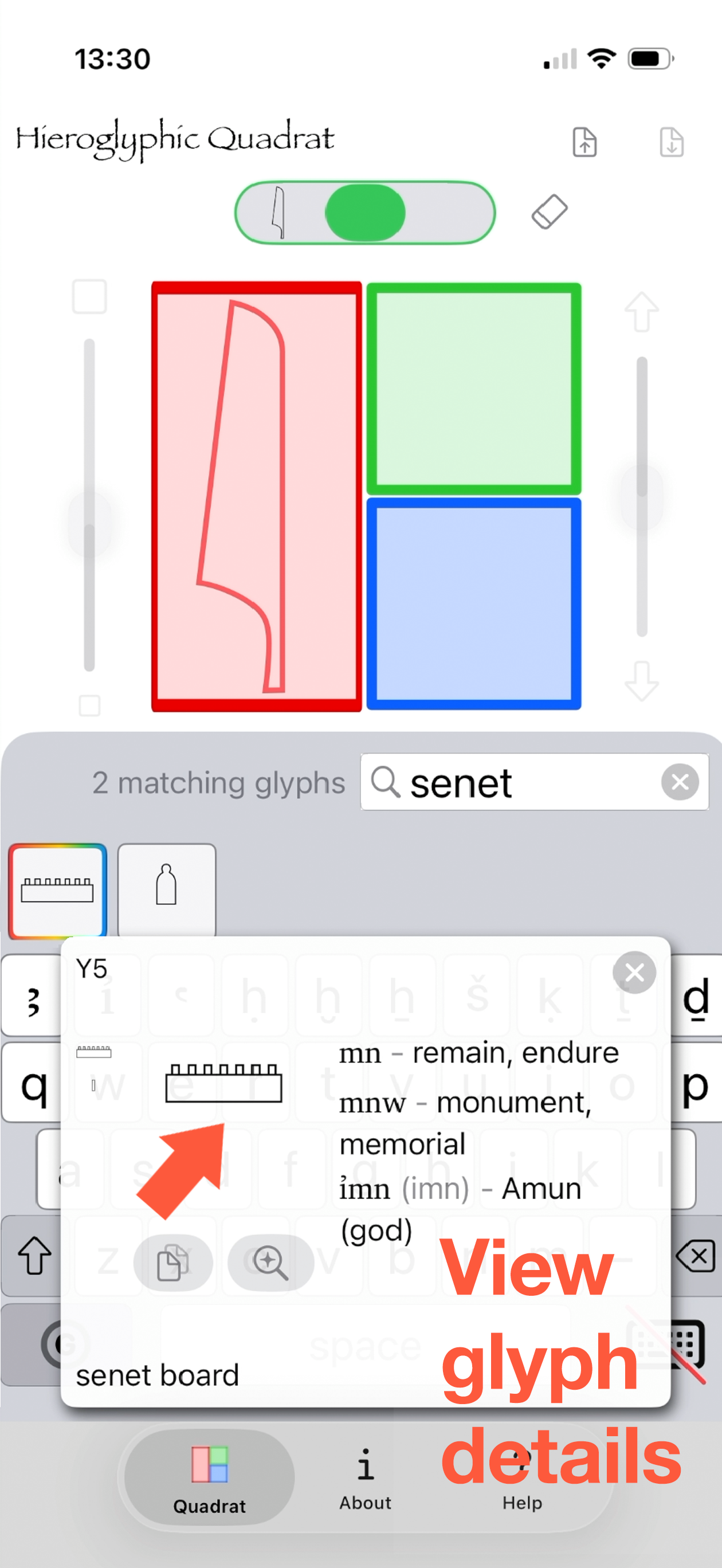
You can also search for hieroglyphs. You can search for any of
- what a sign depicts, like sandal
- what a sign means, like life
- a pronunciation, like ankh
- a transliteration, like Ꜥnḫ
- a Gardiner sign reference, like S34
- a Unicode character, like 𓋹
- a Unicode codepoint, like U+132F9 (or just U132F9)
- signs containing a symbol, like glyphs that depict a ruler holding a 𓋹 (a "part of" search)
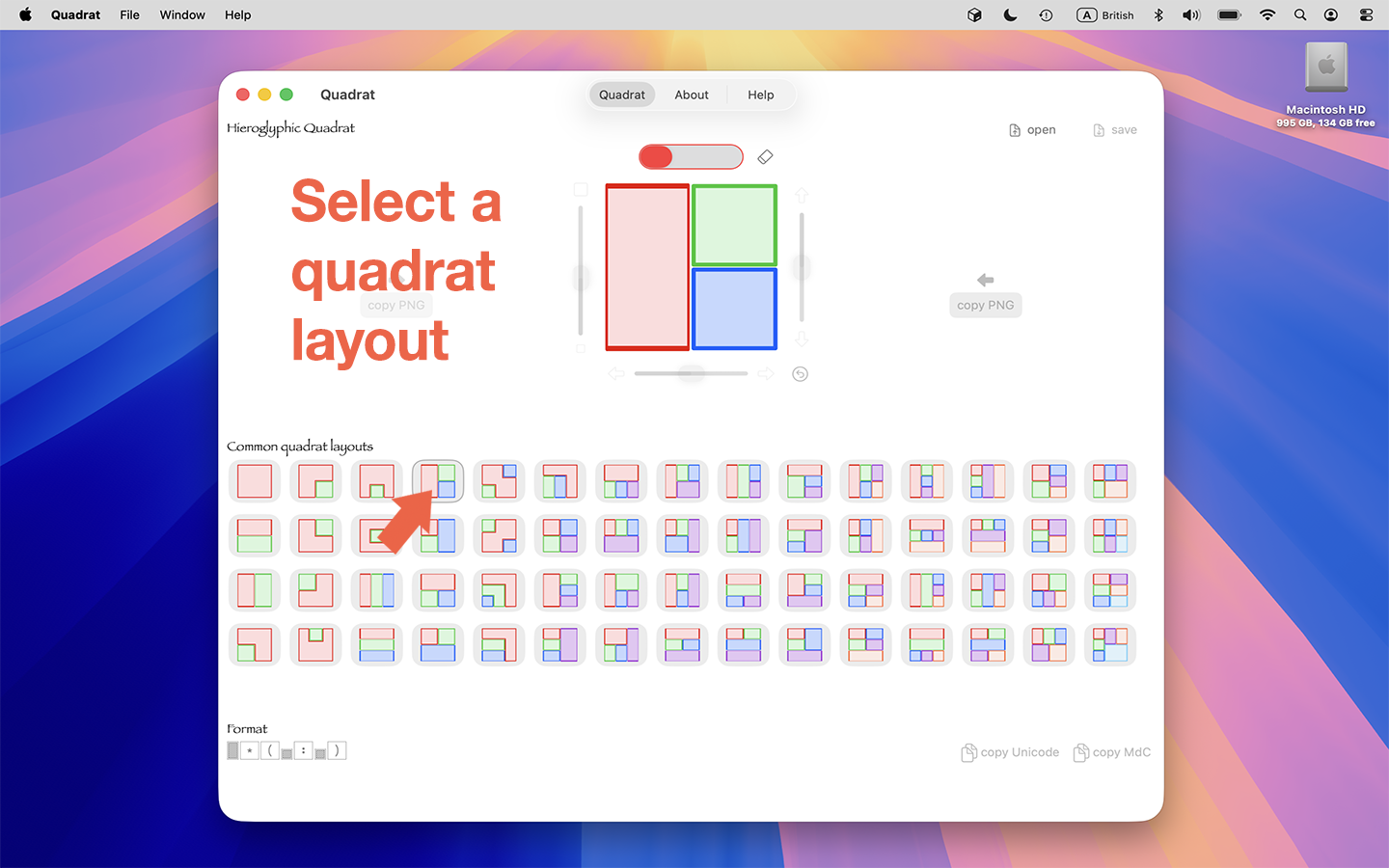
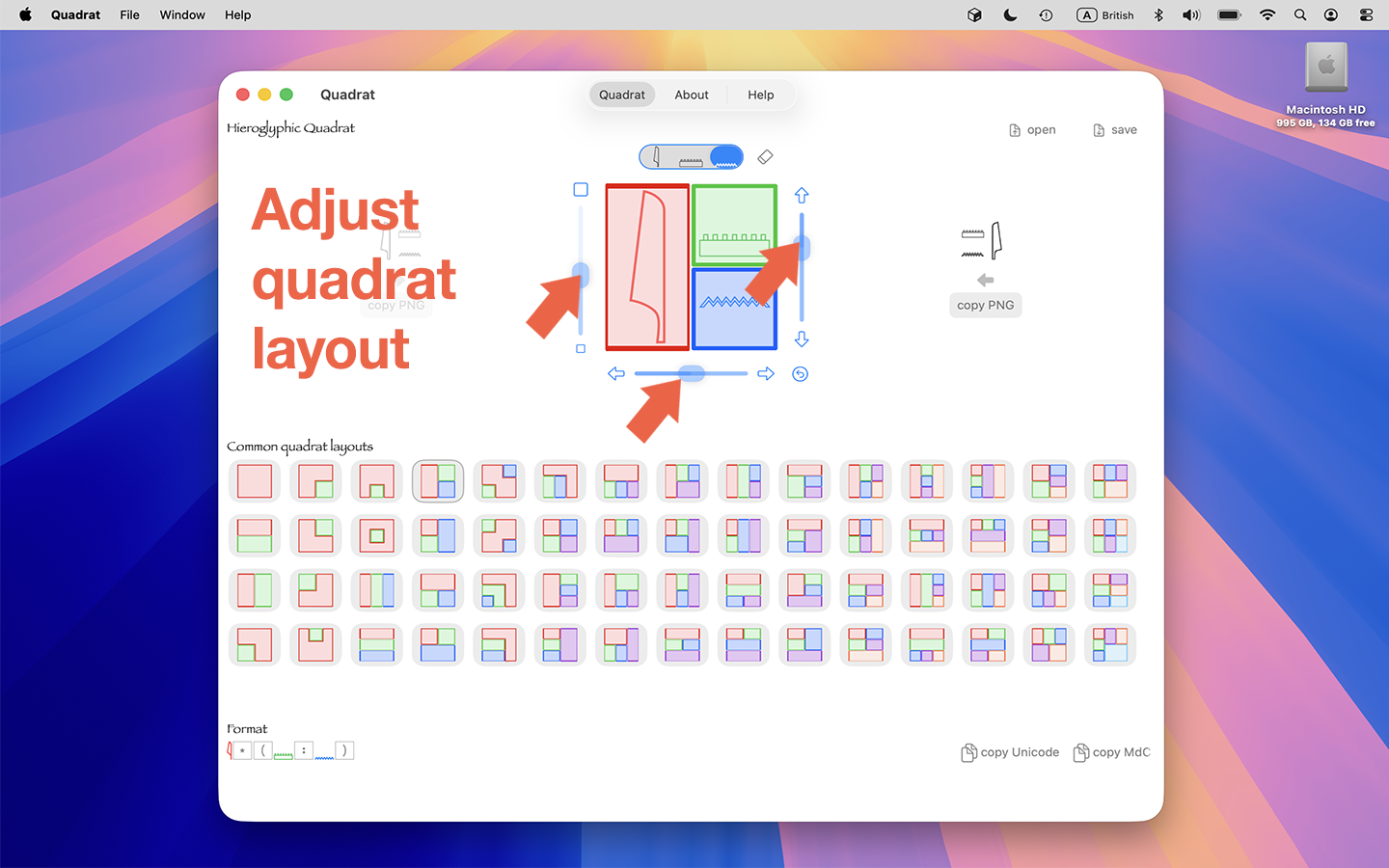
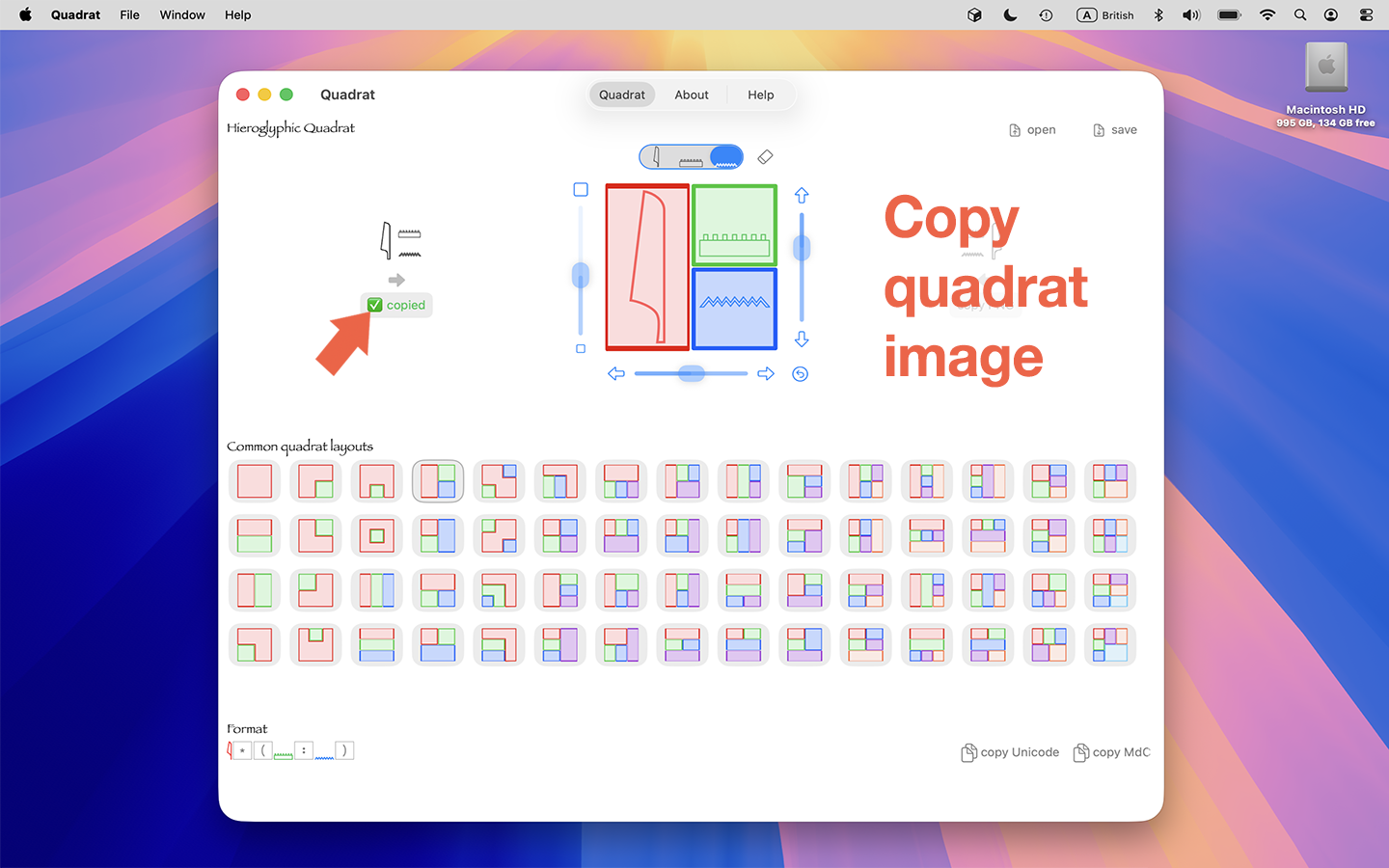
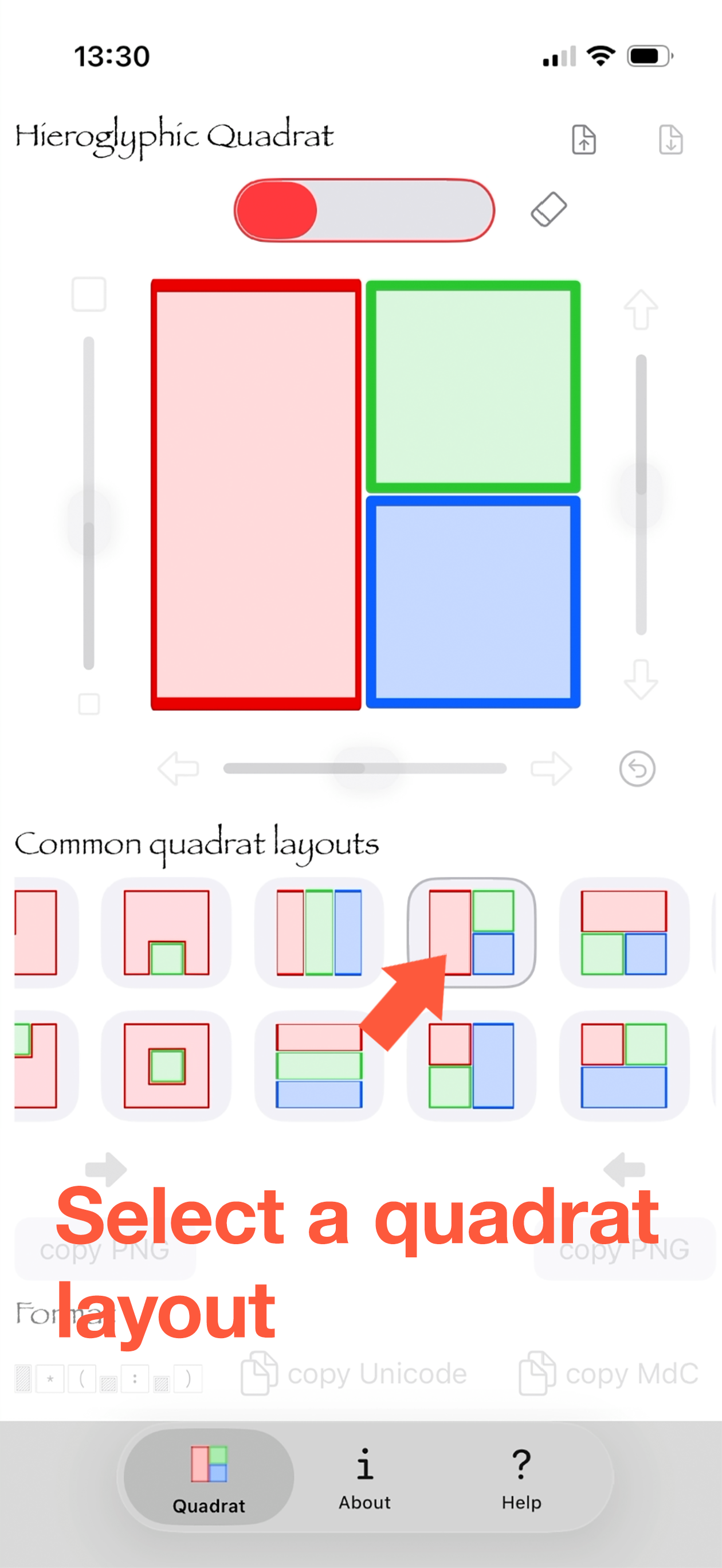
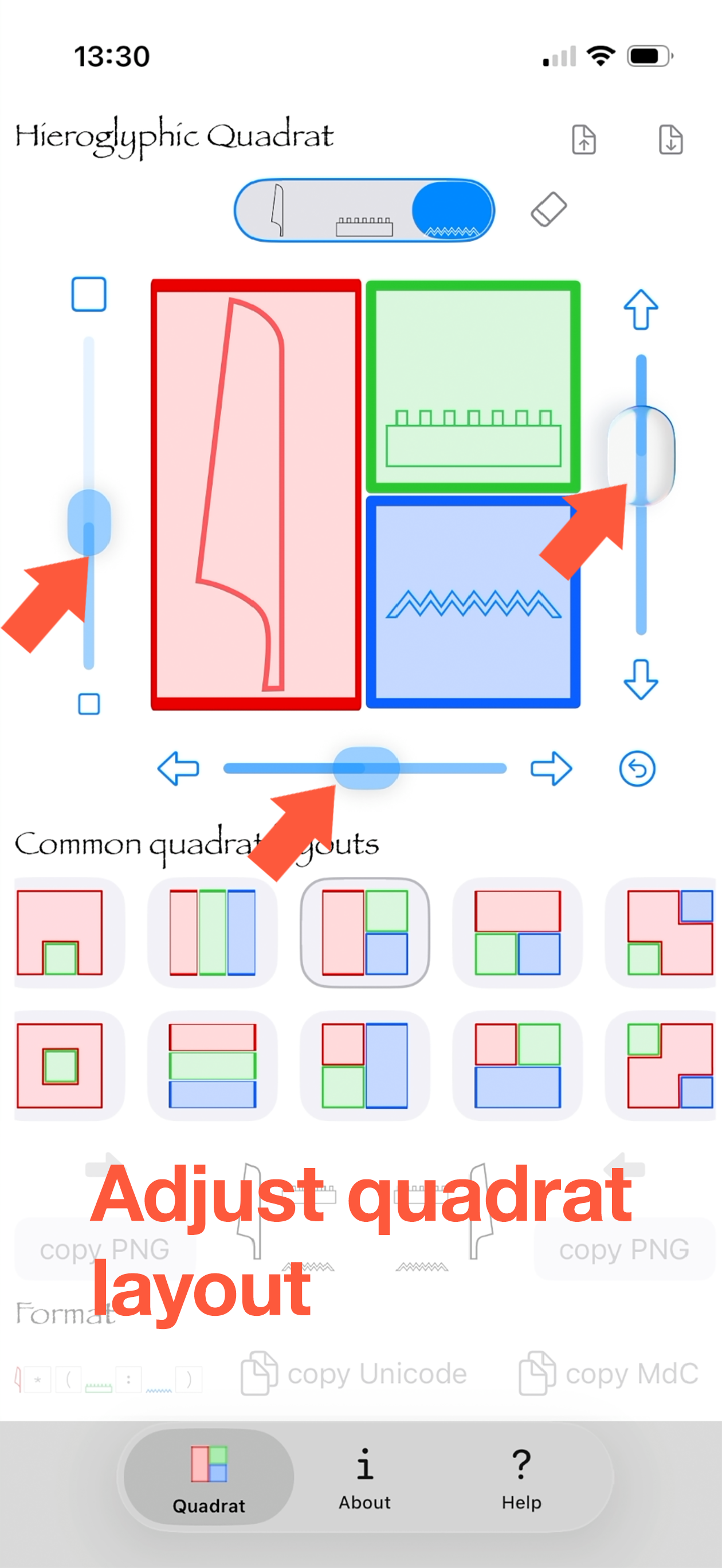
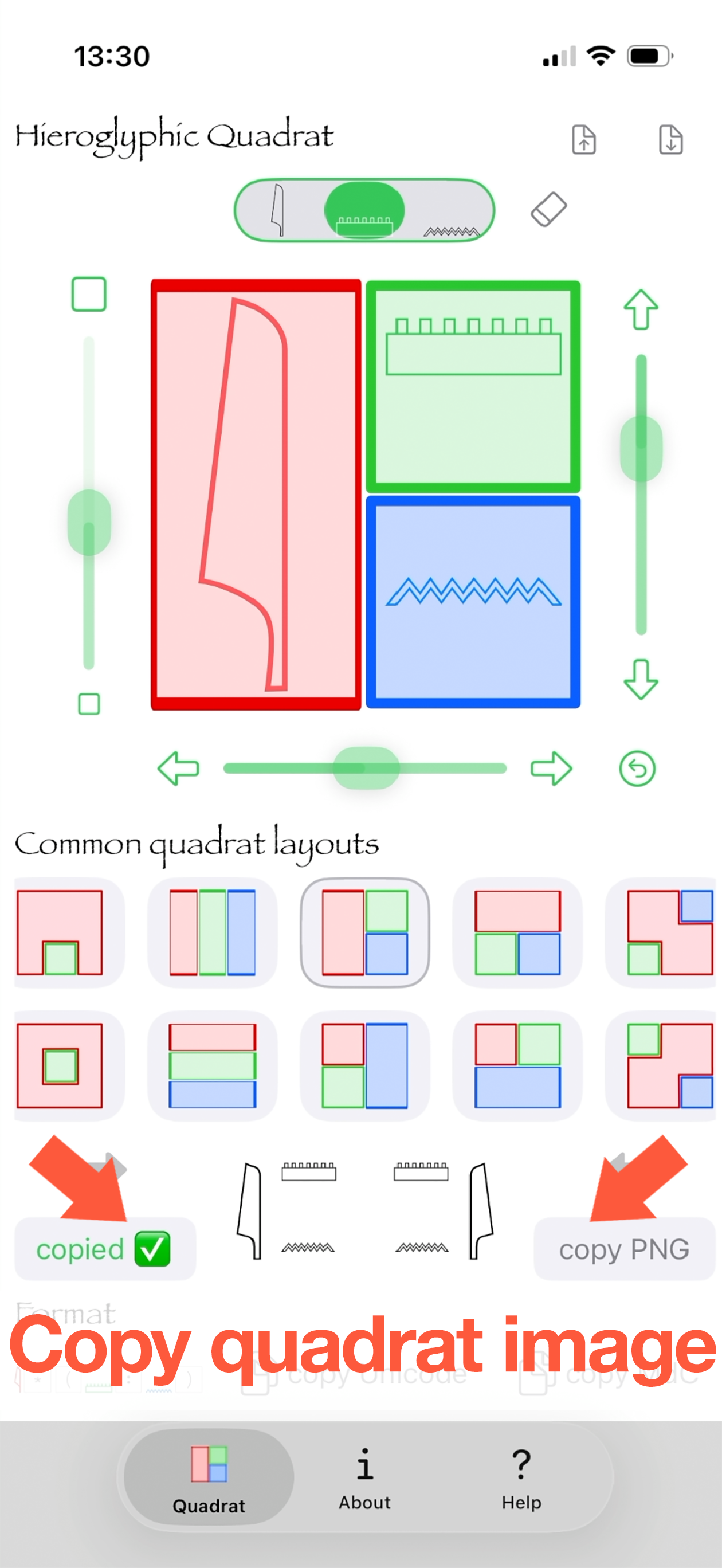
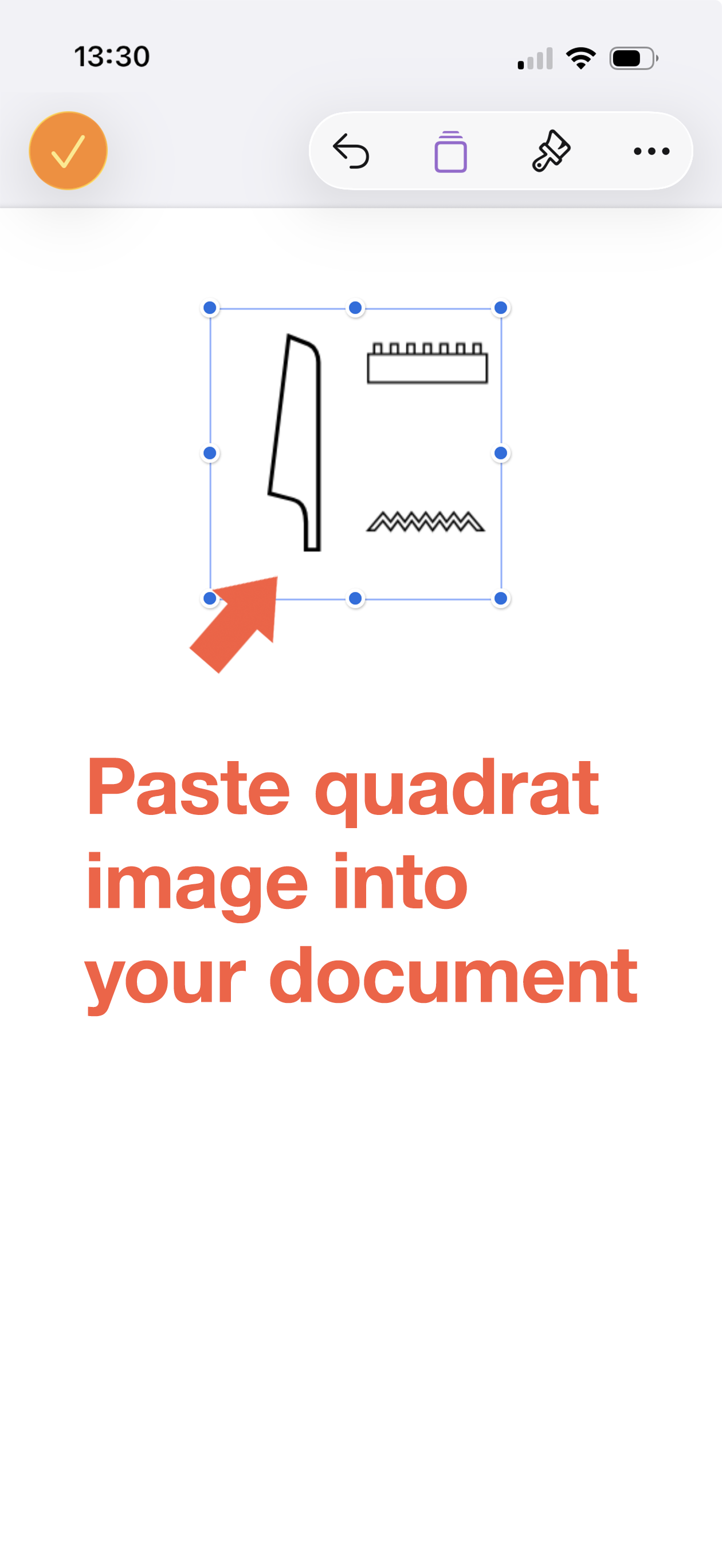
You can choose from a number of common quadrat layouts, type your hieroglyphs and fine-tune their size and position within a quadrat, then copy a PNG image that you can paste into your word-processing app. You can also save quadrats to your device
These common quadrat formats won't let you recreate all the layouts you may find on Egyptian inscriptions, but should support most commonly-found layouts
Note: this app does not support every possible quadrat layout, it has limited export options and it is based on Unicode, Leiden Unified Transliteration and the sign list in Gardiner's Egyptian Grammar, third edition
The Quadrat app idoes not use MdC encoding or transliteration but allows you to copy a quadrat as an MdC sequence with Gardiner sign codes, for import into other applications such as JSesh on Mac
Quadrat for iPhone Preview
Quadrat for iPhone Screenshots
Quadrat for Mac Screenshots