

AGE
13+
Years Old
LANGUAGE
EN
English
LOOK
Dark Mode
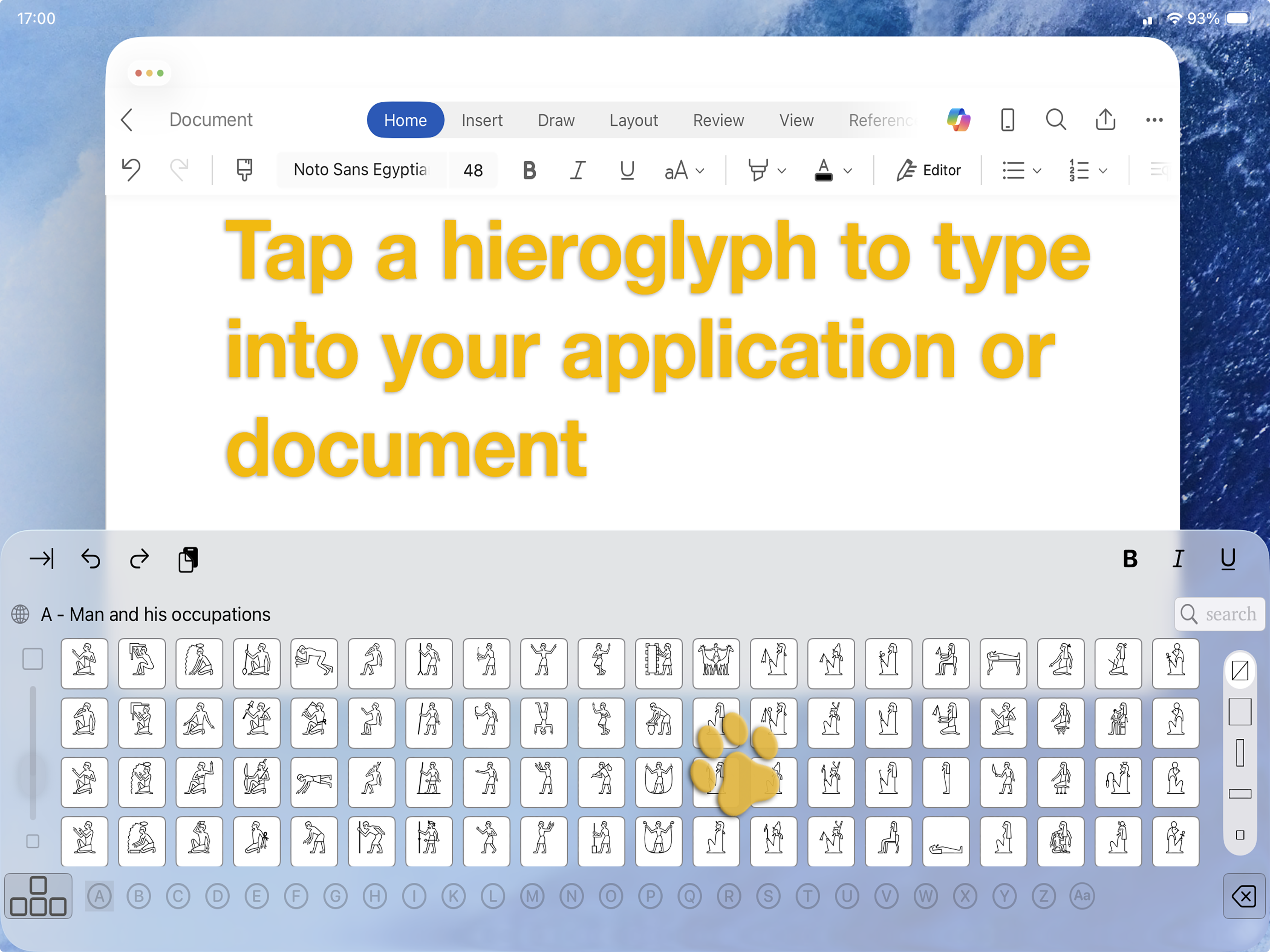
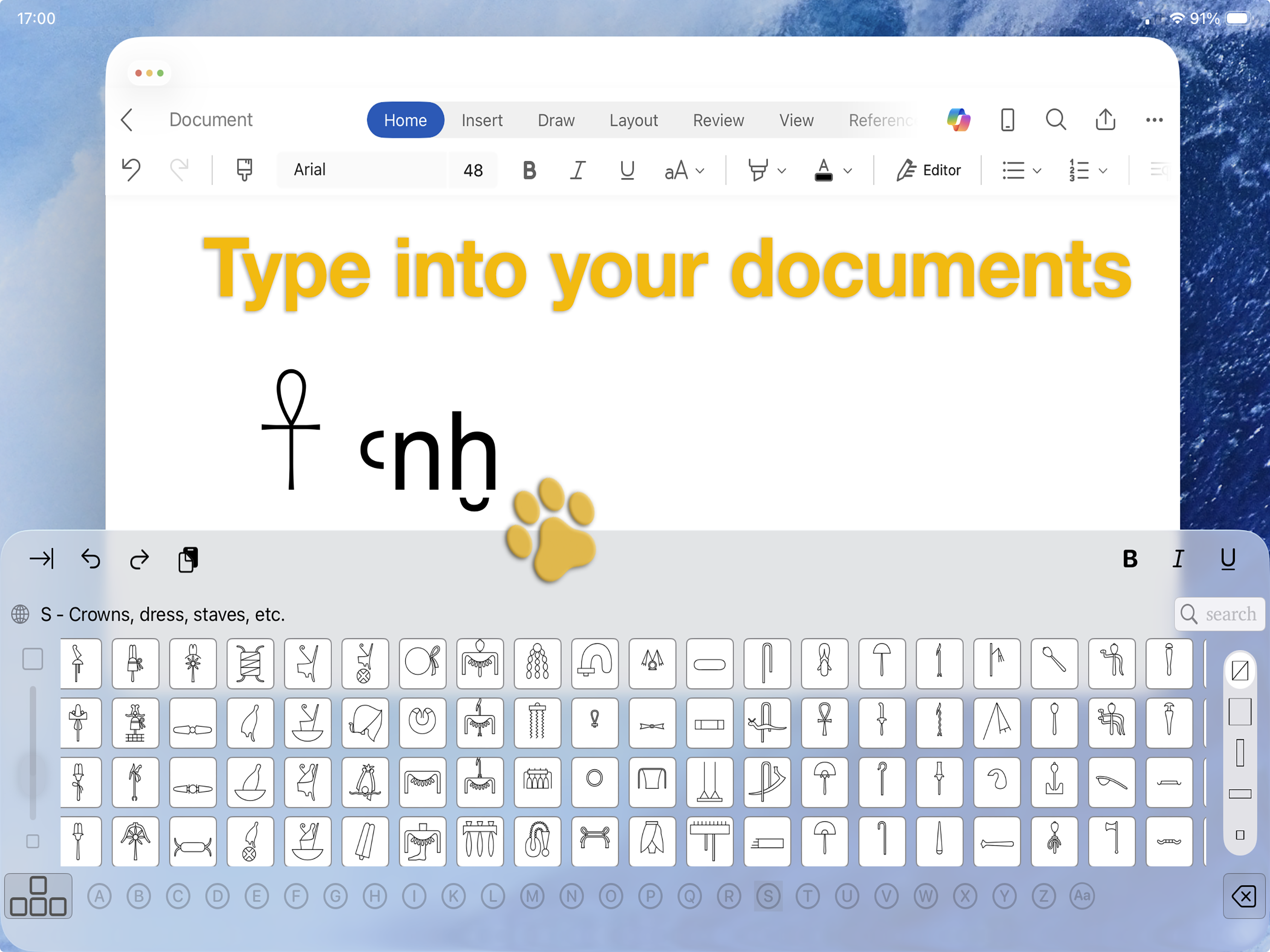
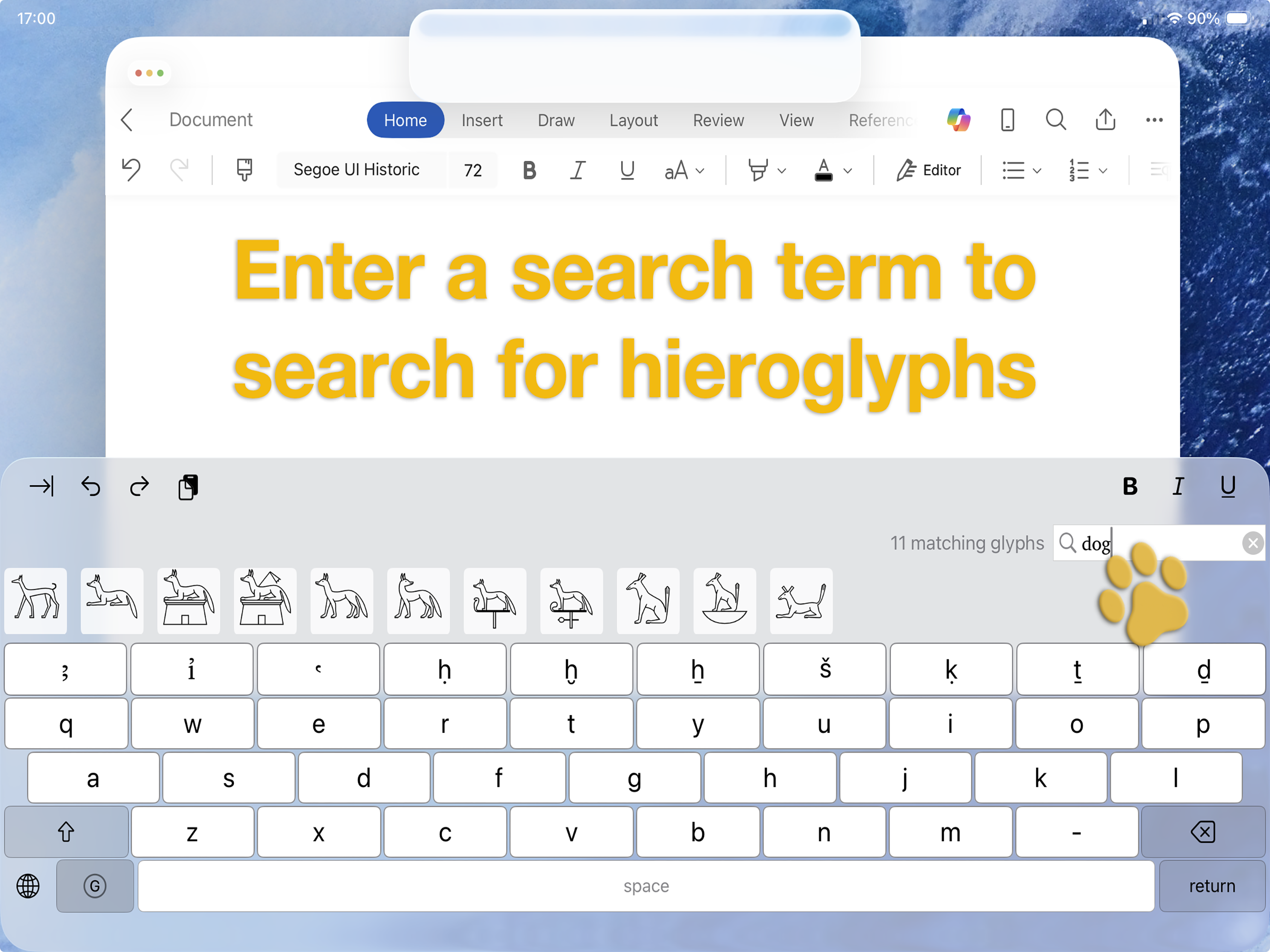
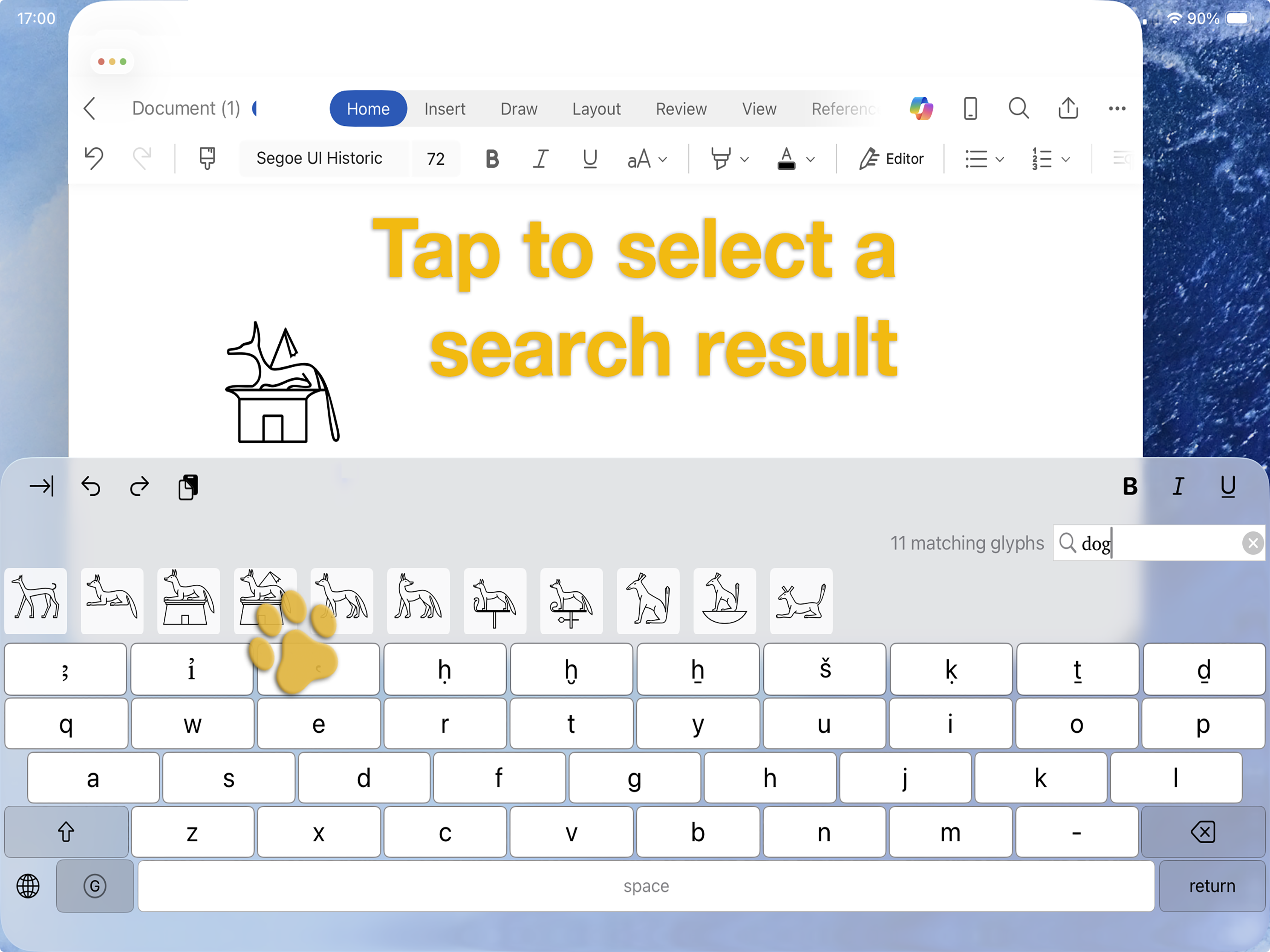
Type and search for Egyptian hieroglyphs like emoji
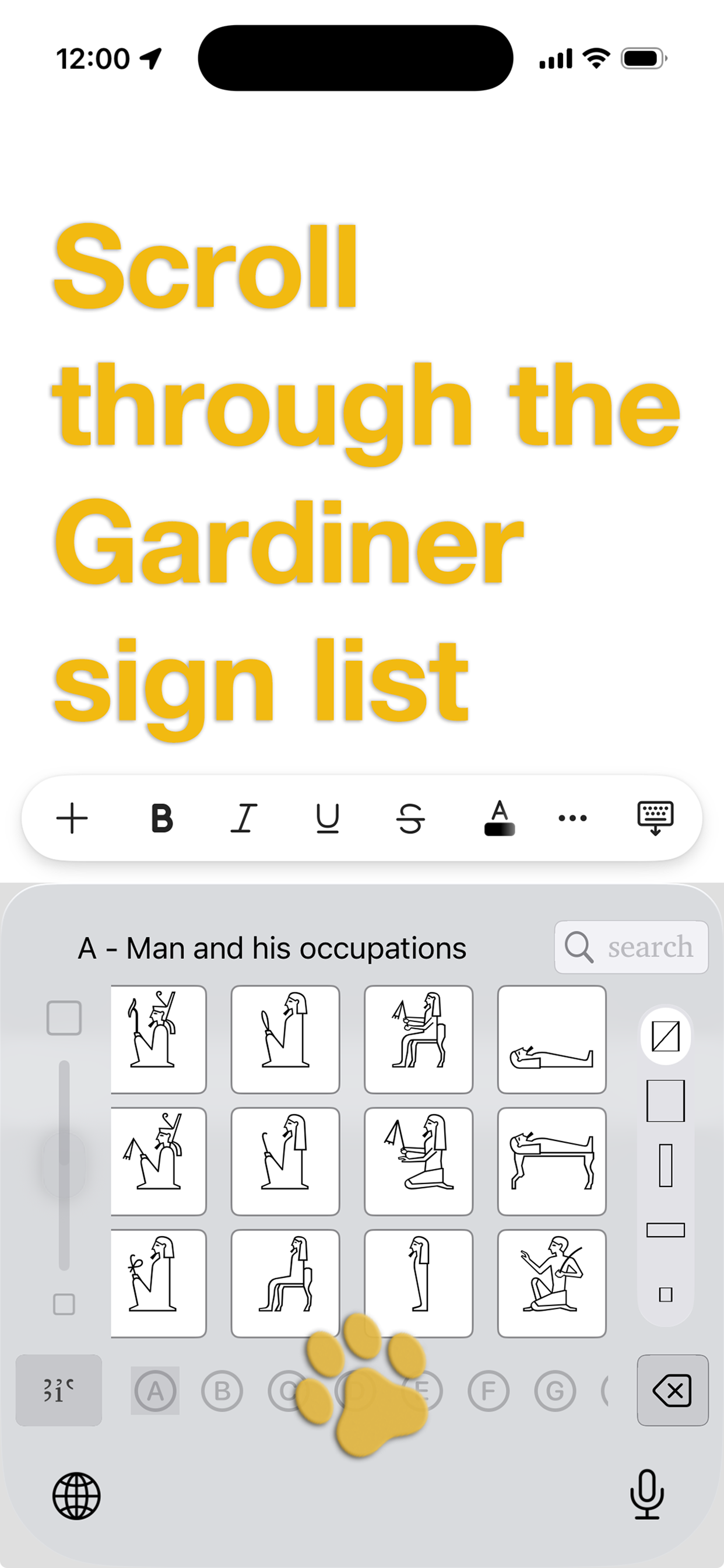
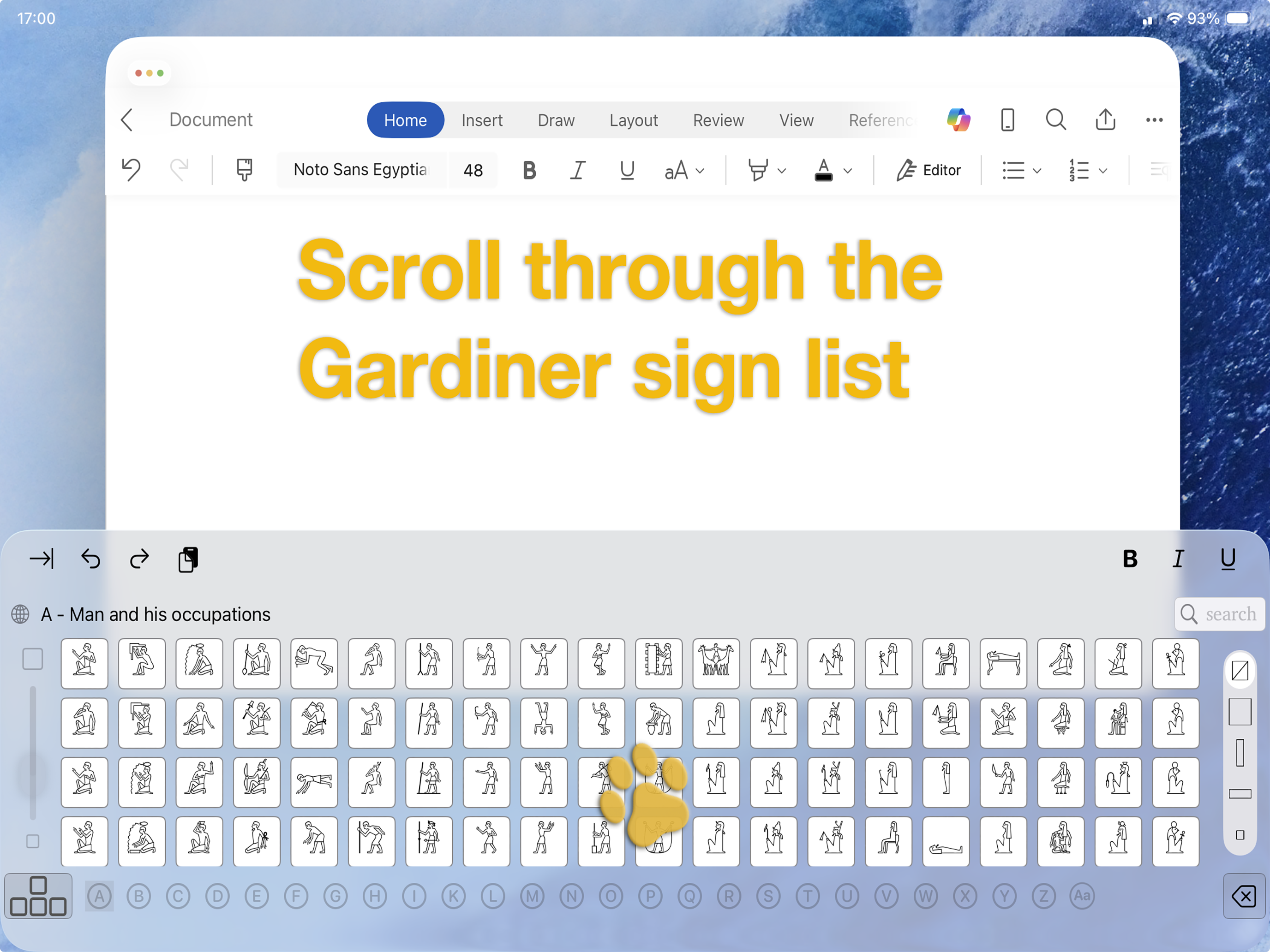
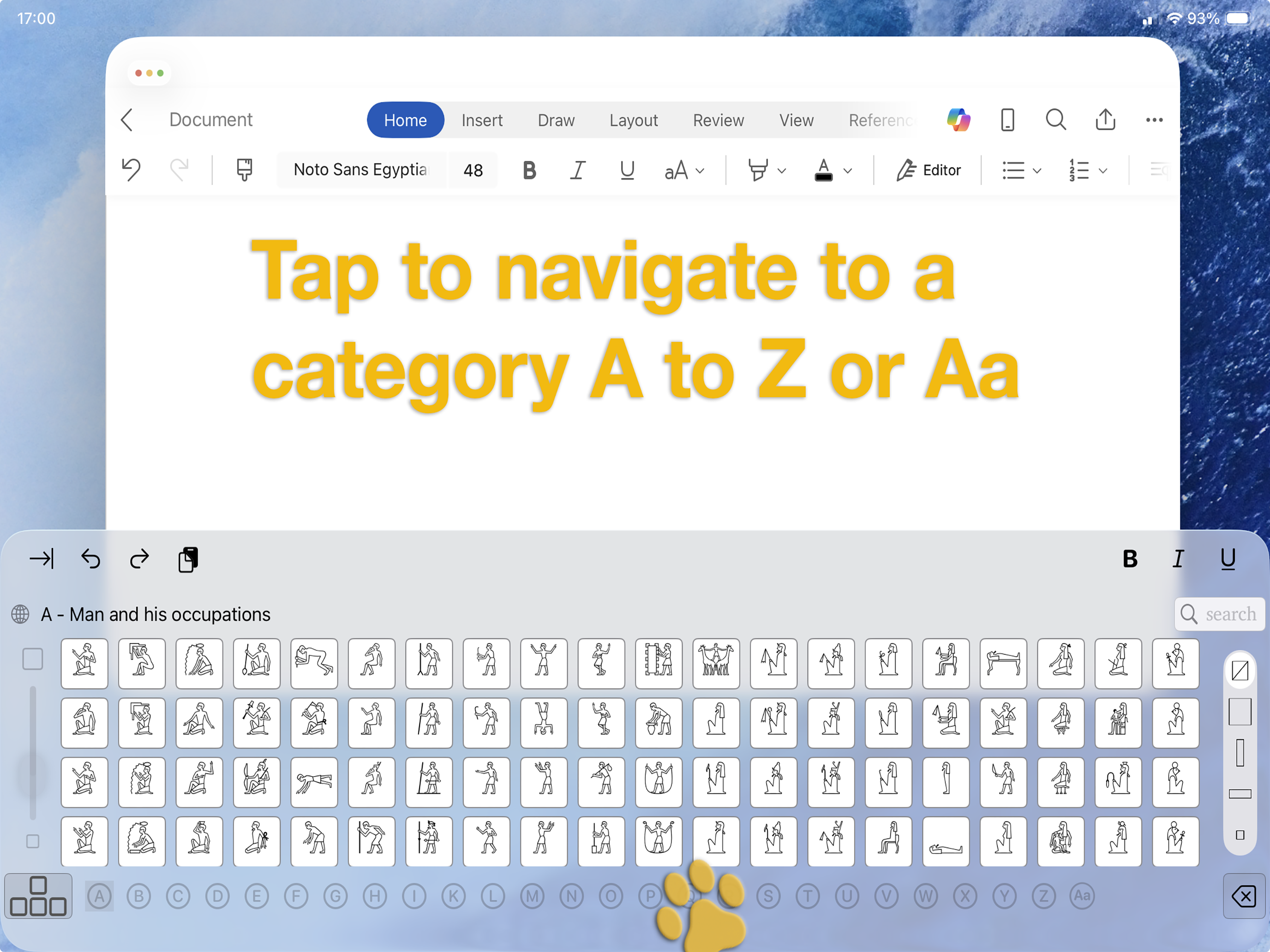
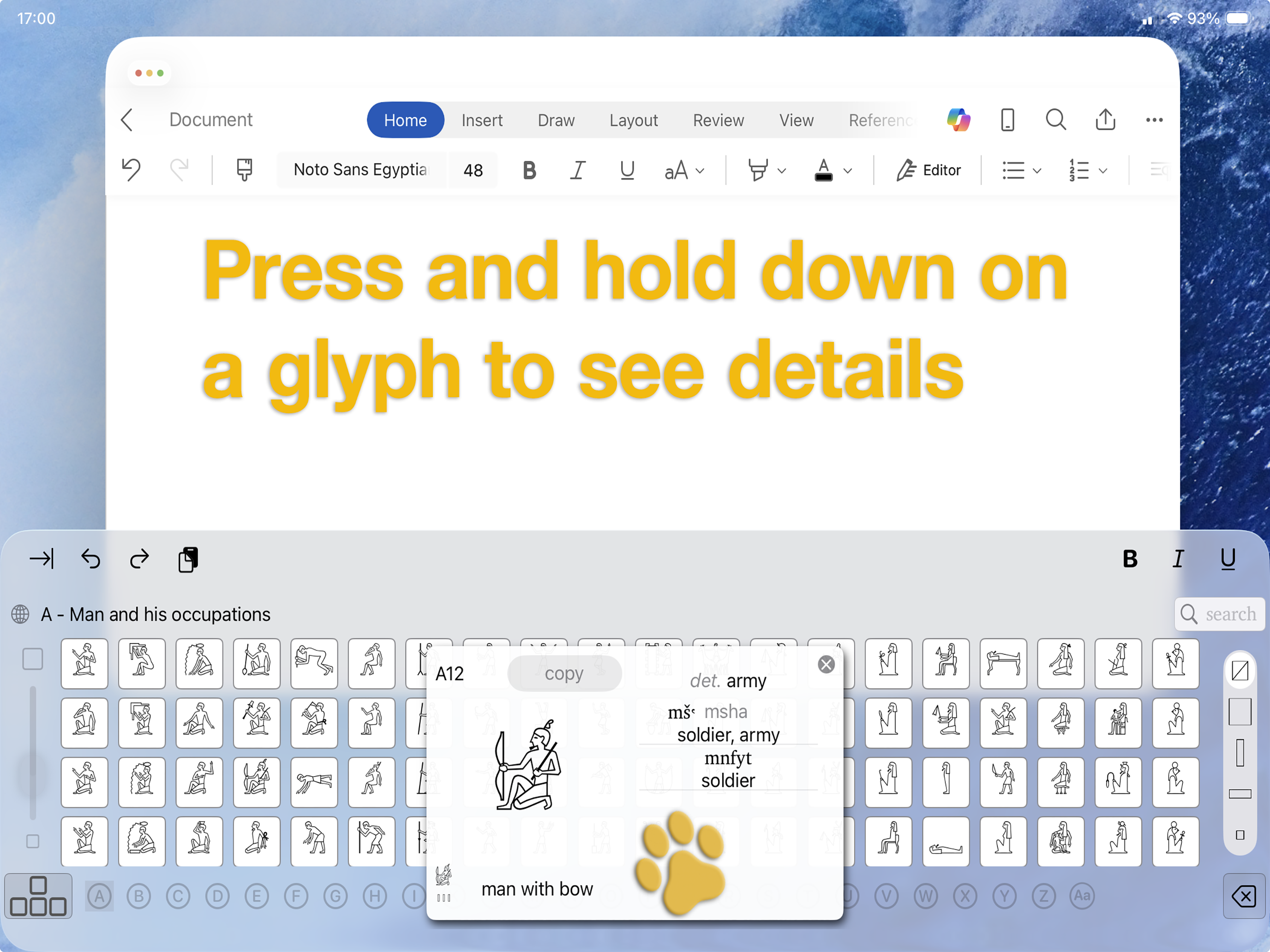
Scroll through and search Sir Alan Gardiner's renowned Egyptian sign list to type hieroglyphs into your iOS apps and documents
The keyboard features the signs listed in Gardiner's "Egyptian Grammar", third edition
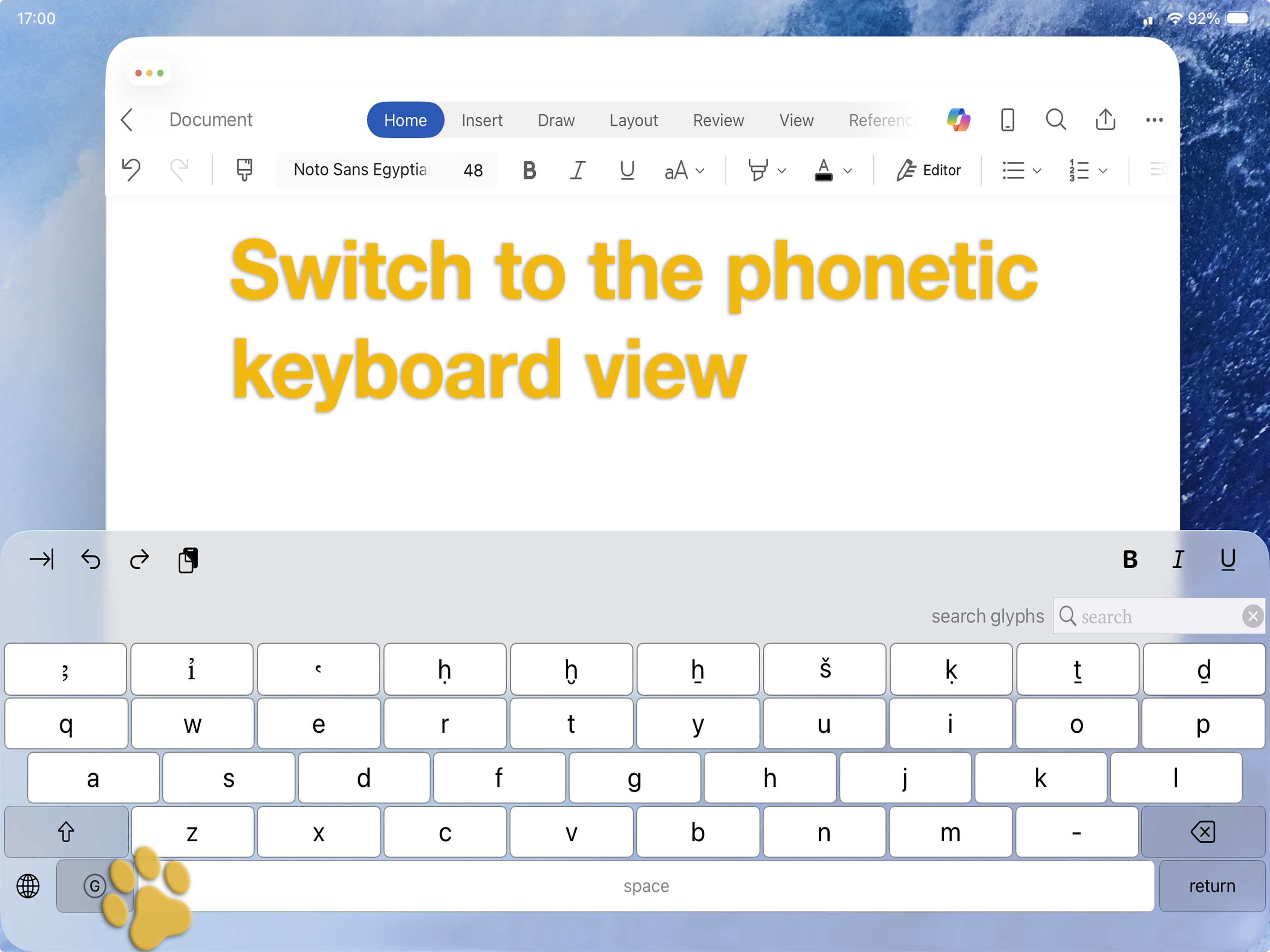
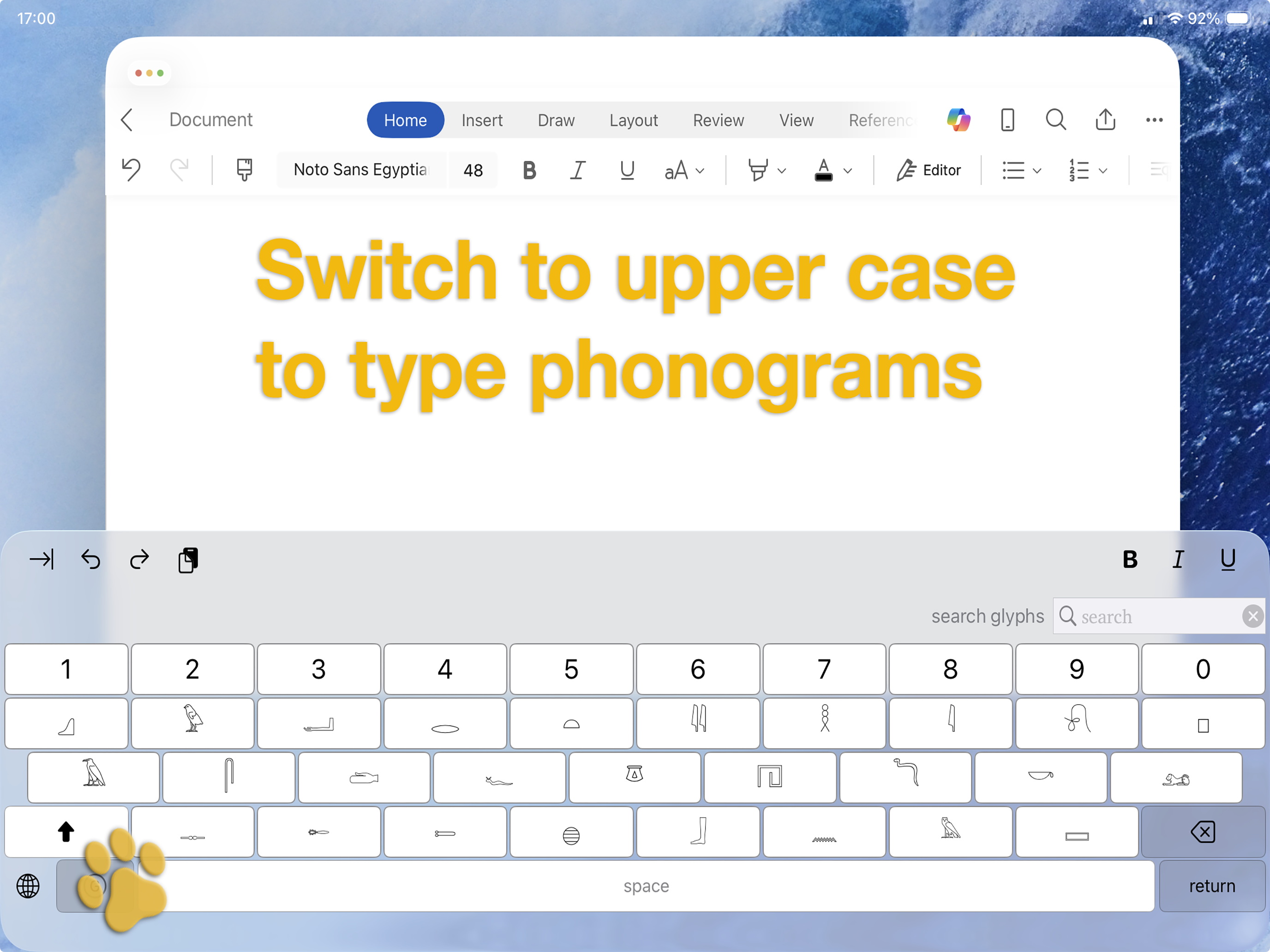
You can also search for hieroglyphs right in the keyboard. You can search for any of
- what a sign depicts, like sandal
- what a sign means, like life
- a pronunciation, like ankh
- a transliteration, like ߵnḫ
- an MdC mnemonic, like anx
- a Gardiner sign reference, like S34
- a Unicode character, like 𓋹
- a Unicode codepoint, like U+132F9 (or just U132F9)
- signs containing a symbol, like glyphs that depict a ruler holding a 𓋹 (a "part of" search)
Your apps and documents should use a font with extended Unicode support such as Helvetica (Apple apps) or Segoe UI Historic (Microsoft 365 apps)
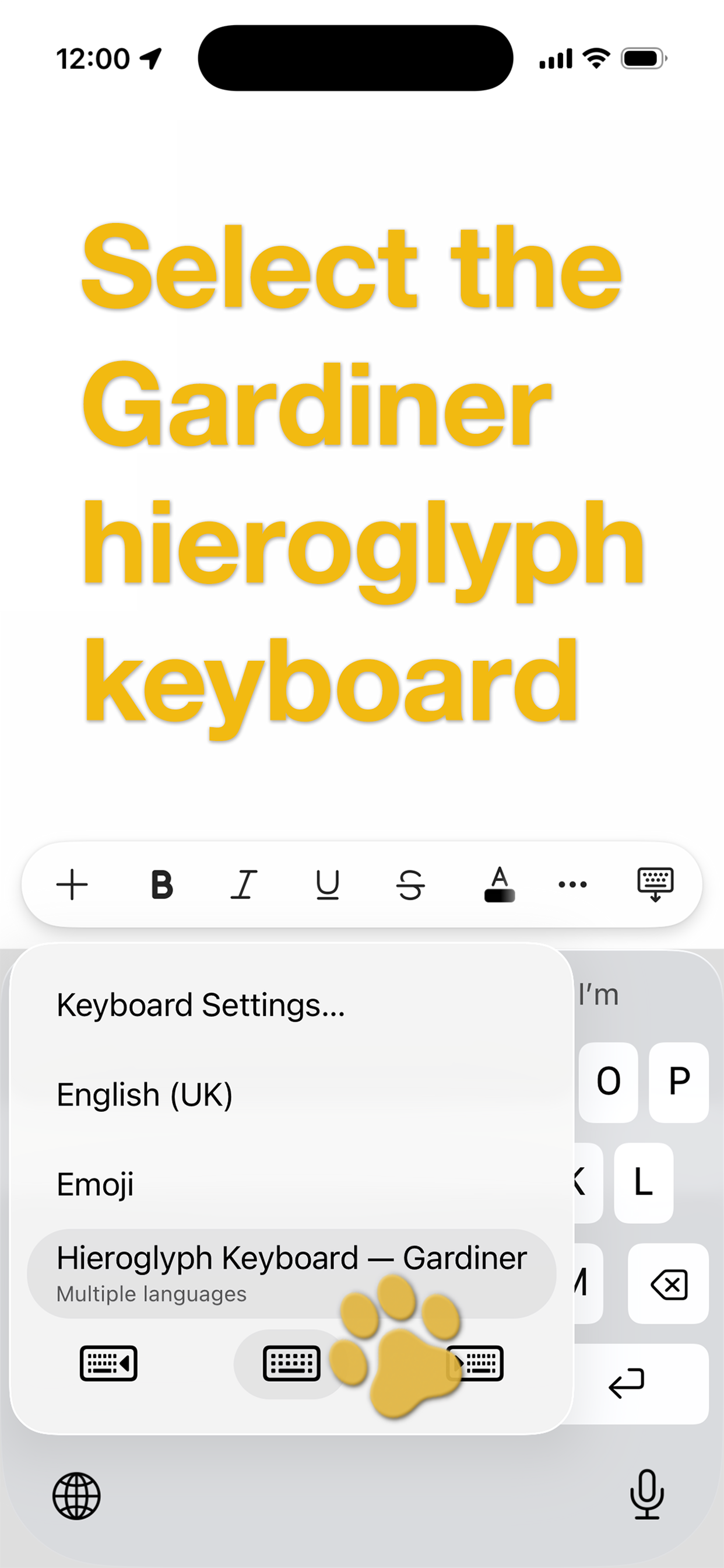
Gardiner keyboard screenshots
iPhone screenshots
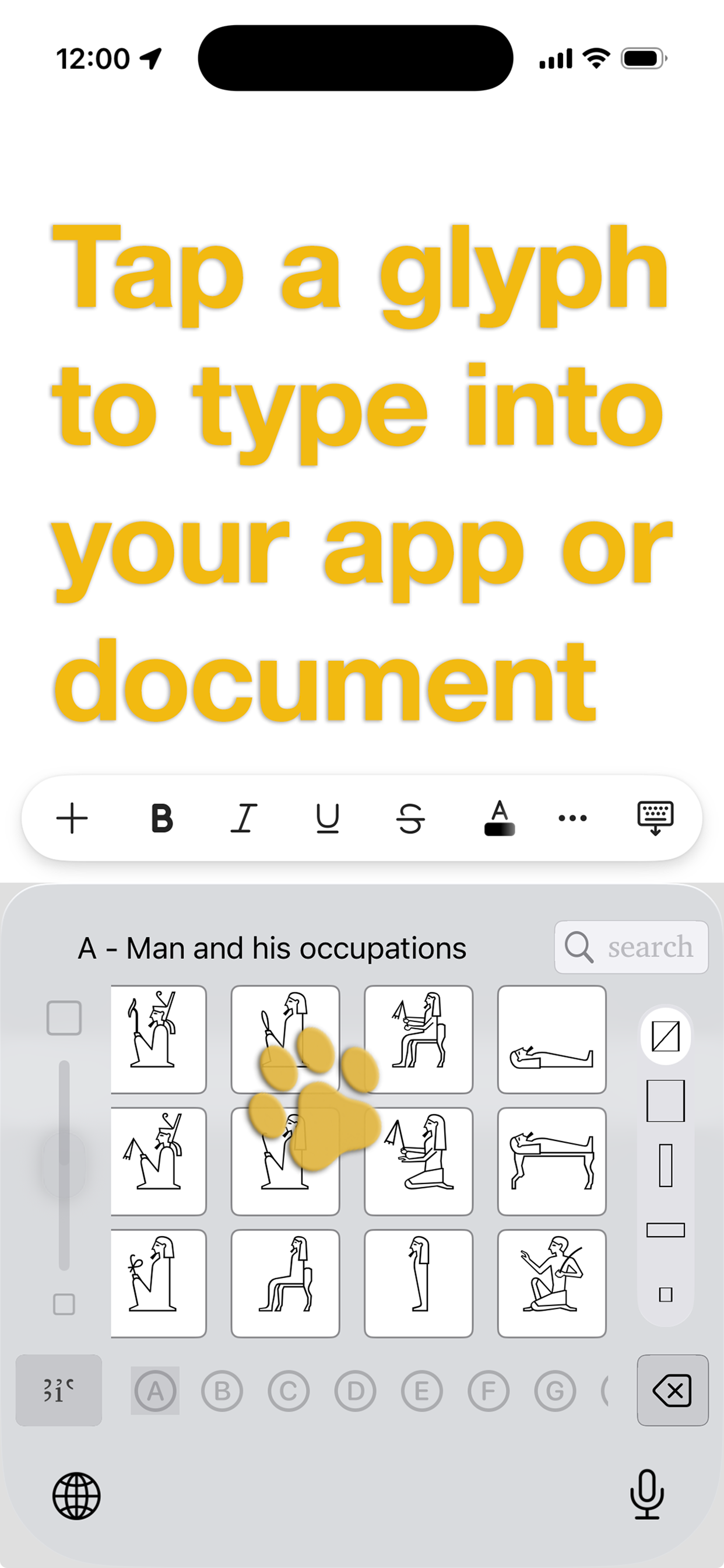
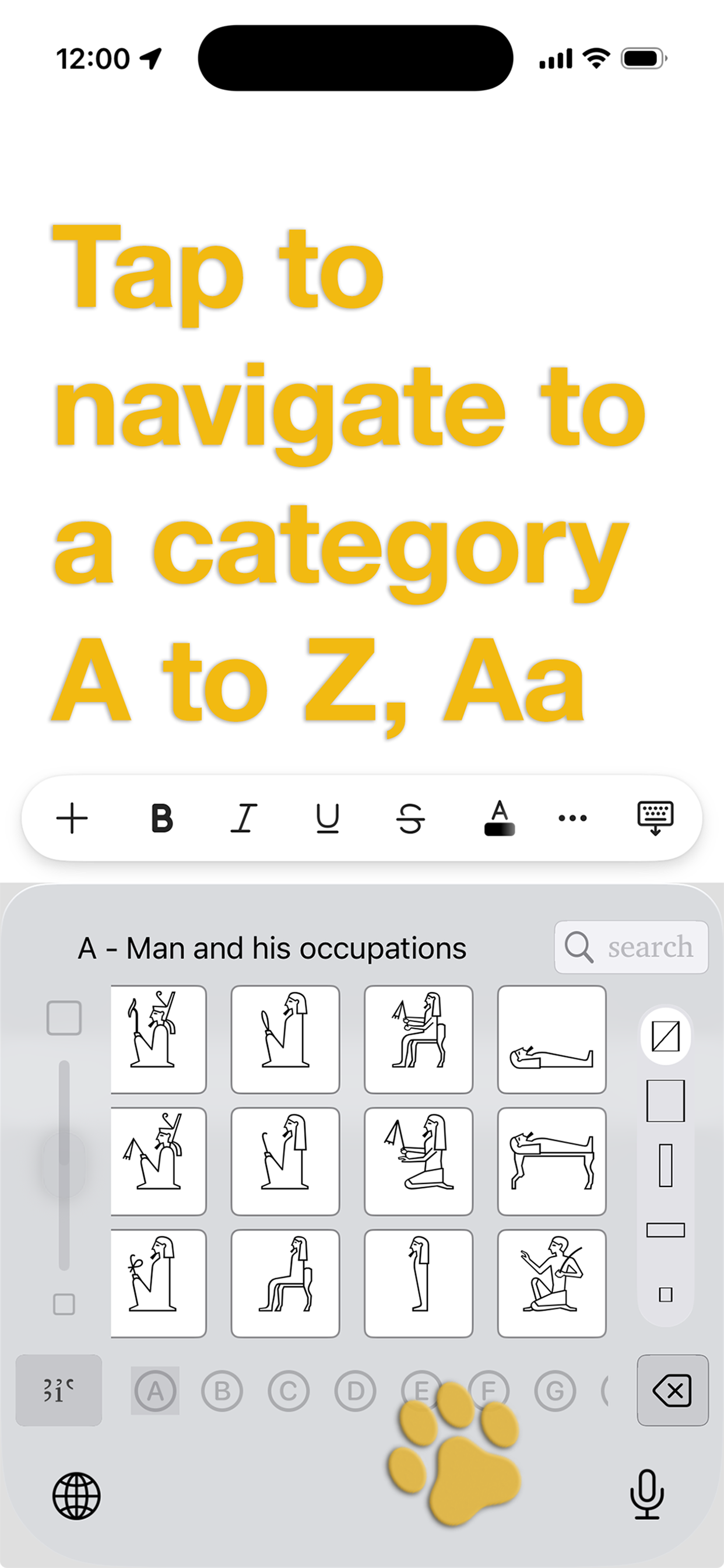
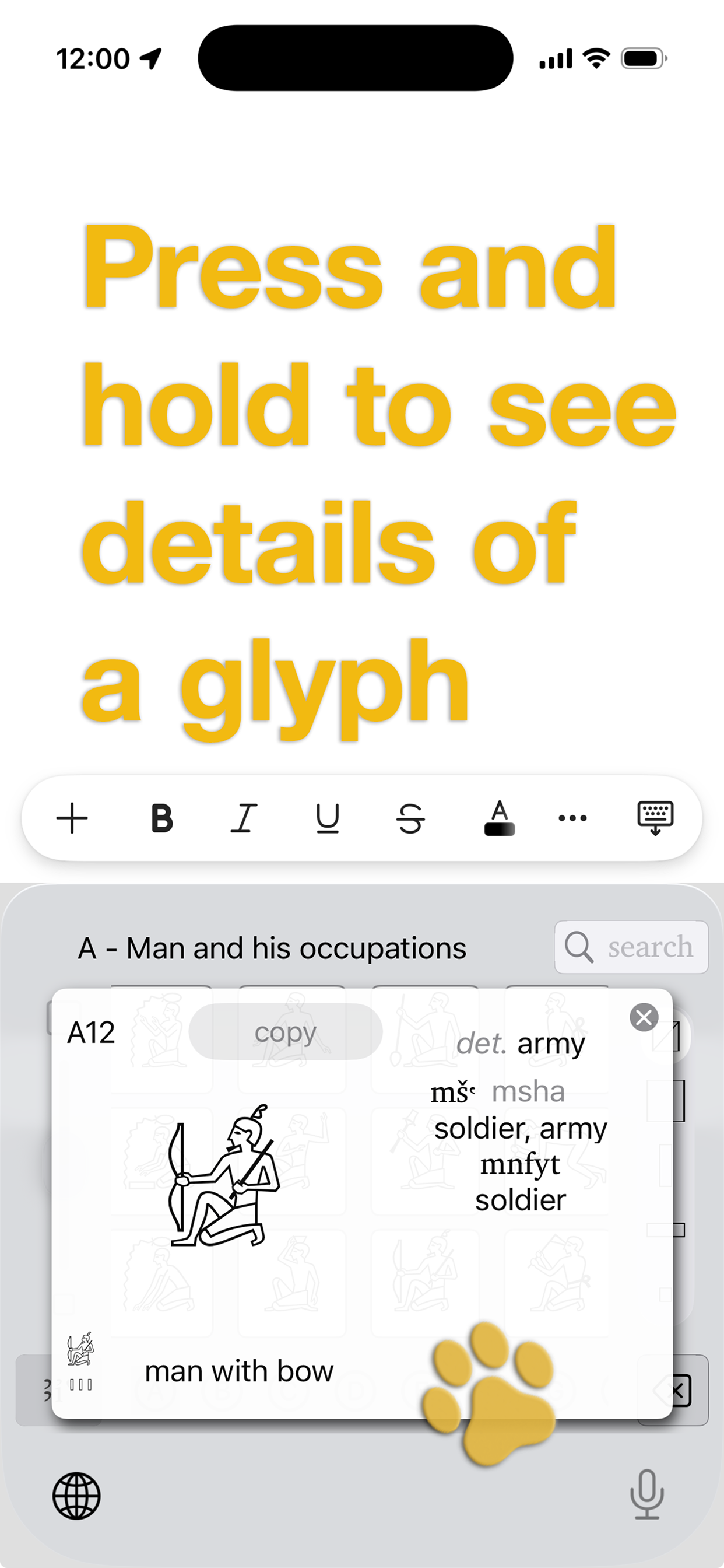
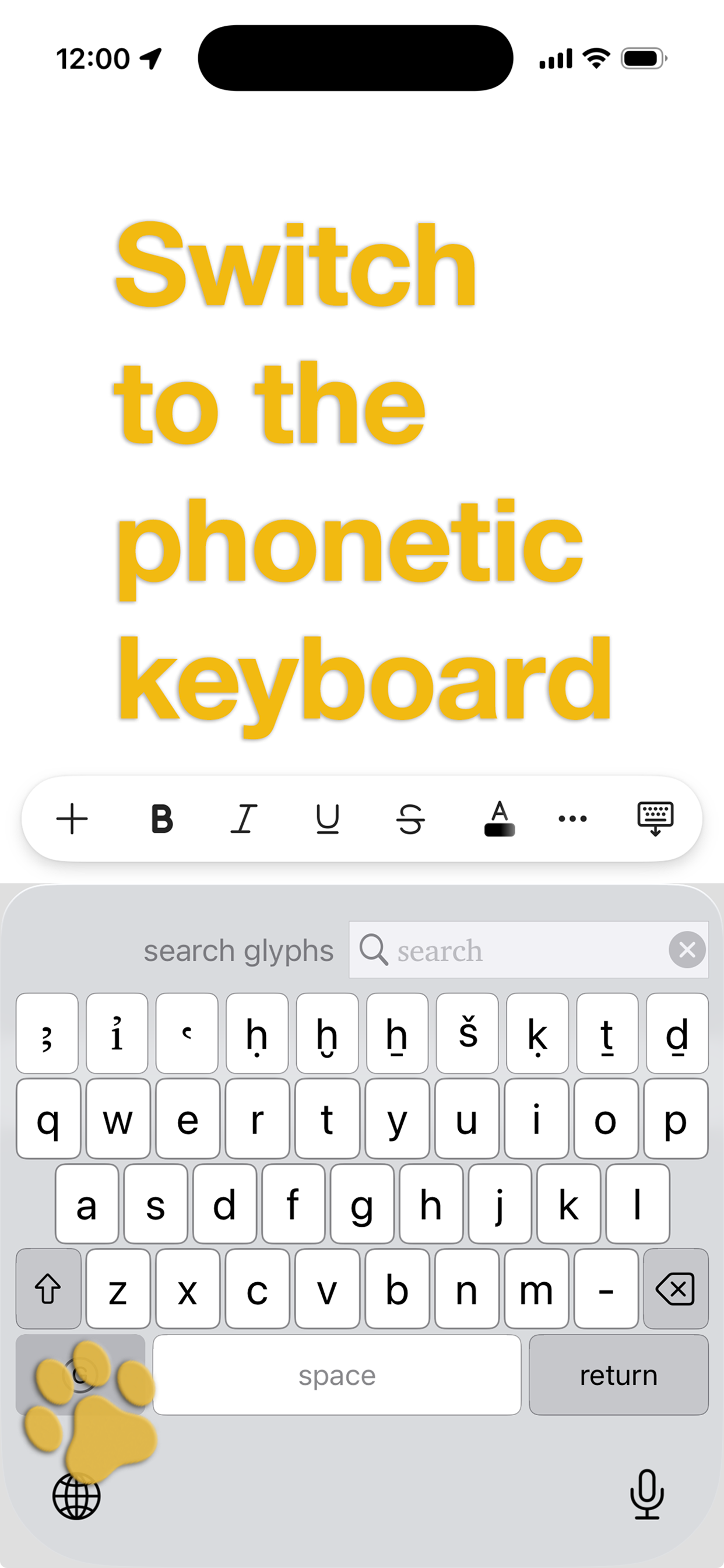
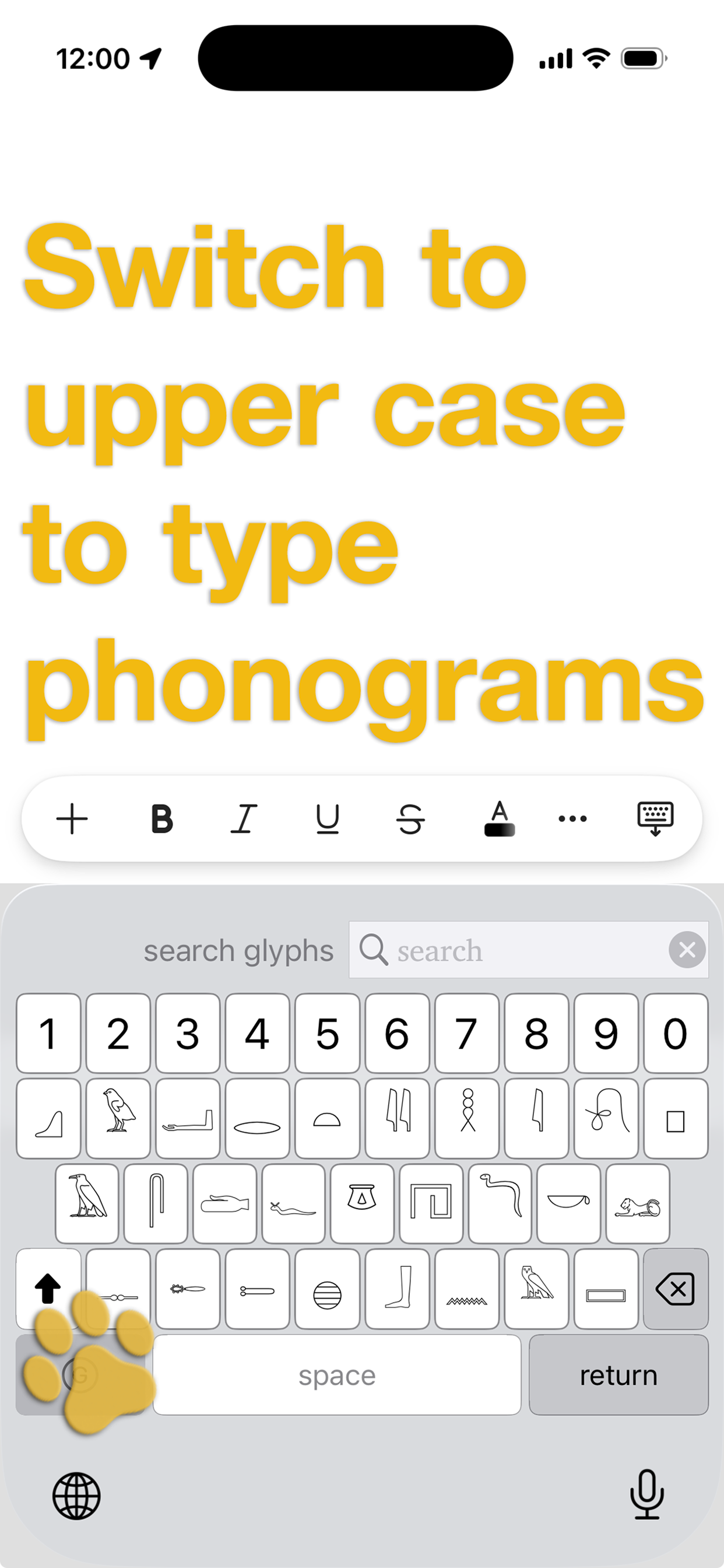
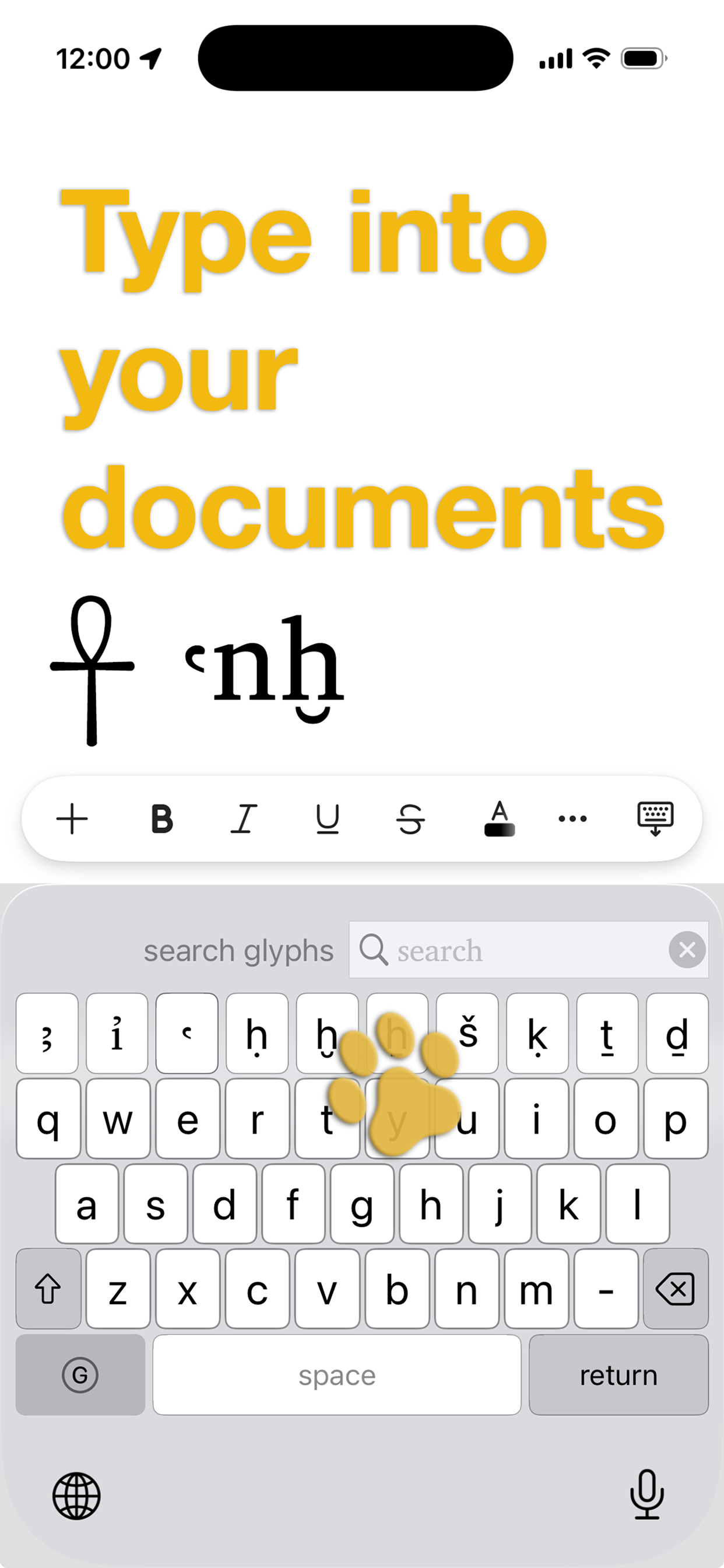
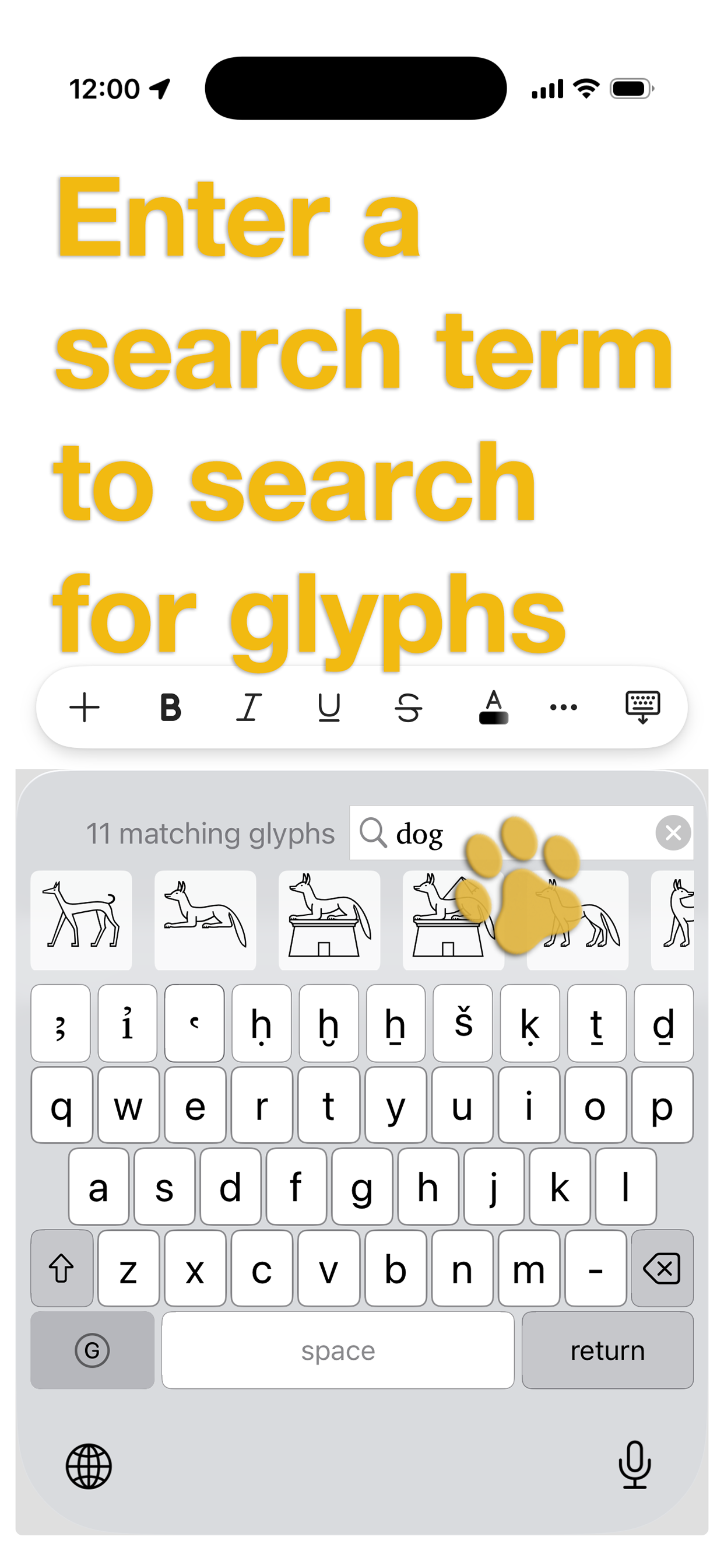
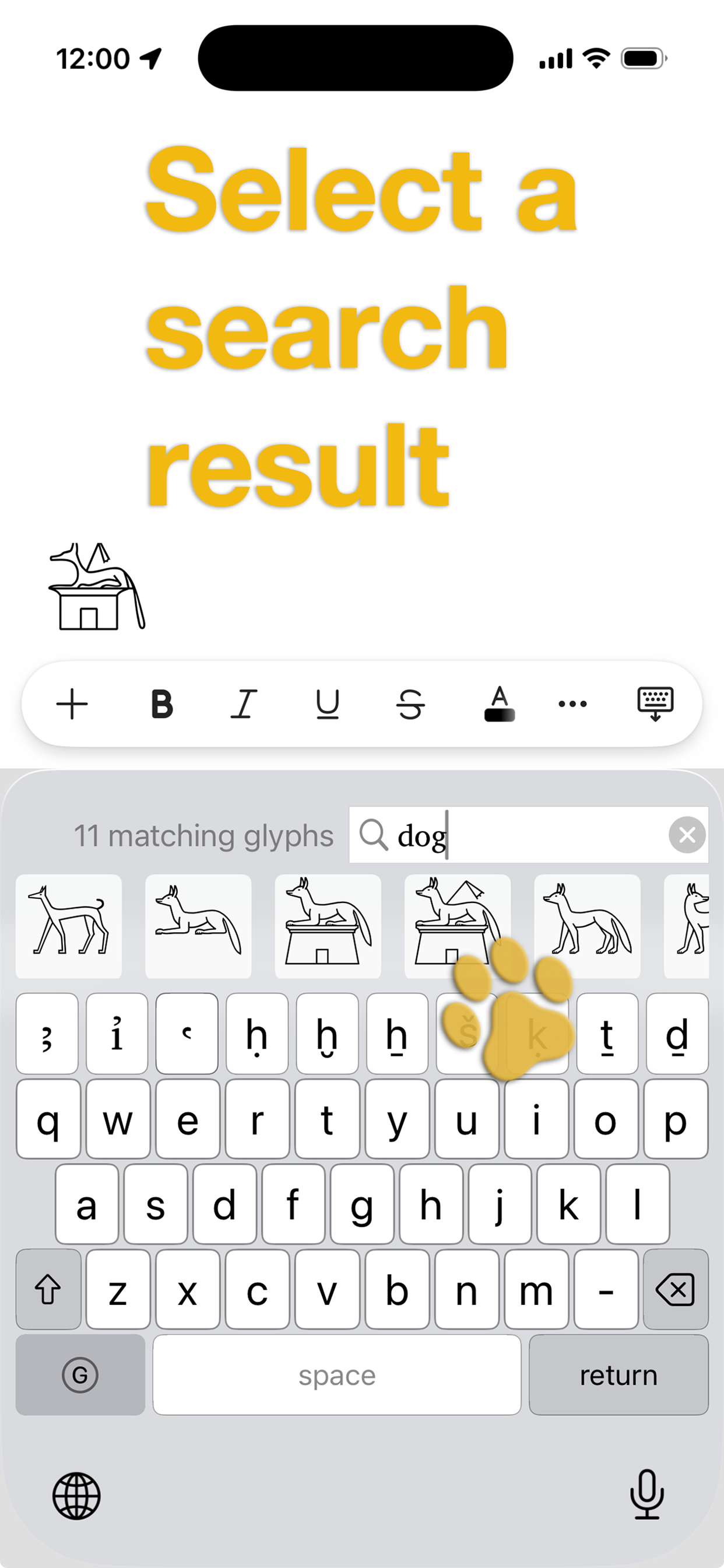
iPad screenshots
Keyboard Installation
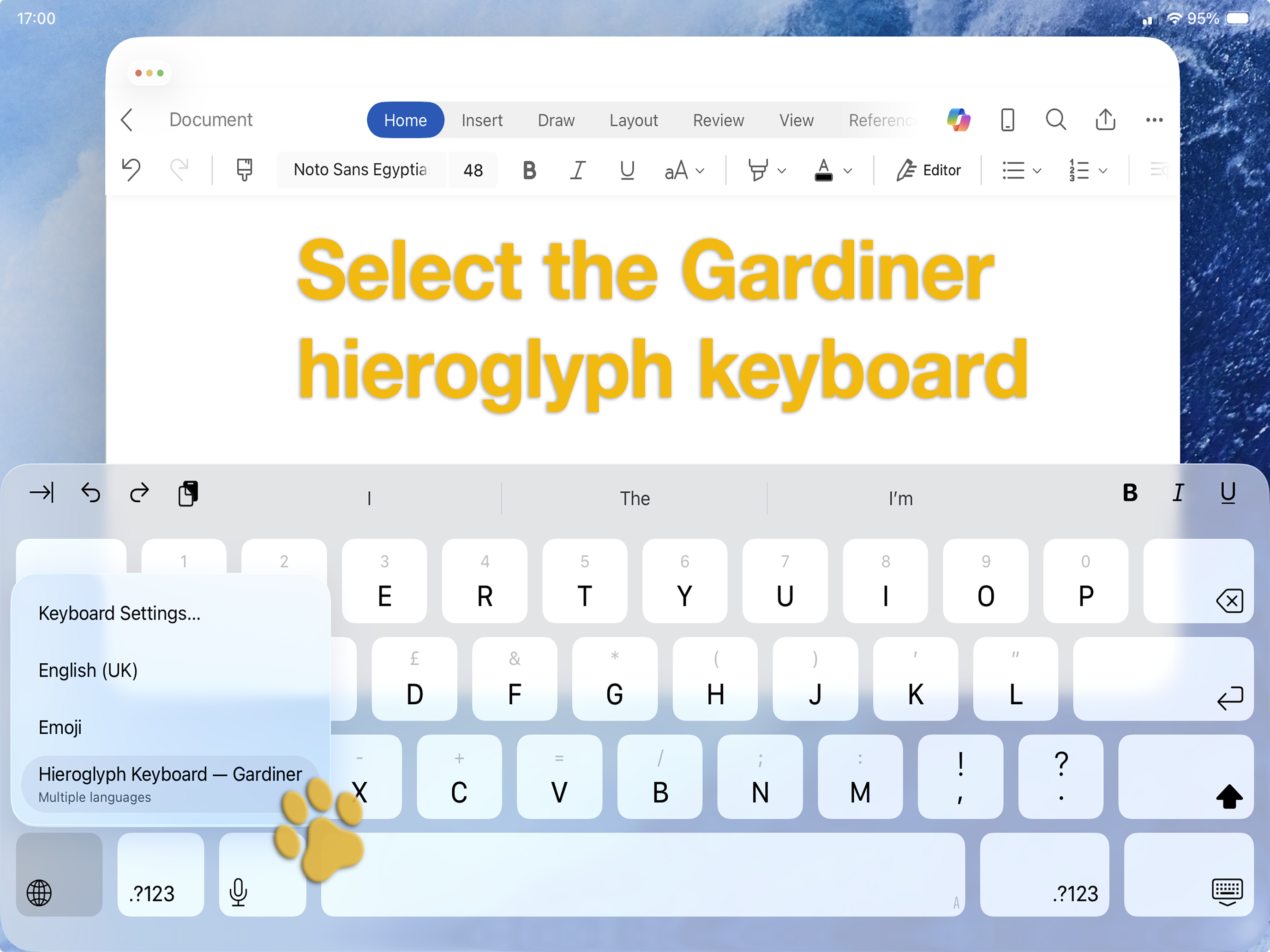
- Install the Gardiner Hieroglyph Keyboard app from the App Store
- Open Settings
- Select General > Keyboard > Keyboards
- Select Add New Keyboard
- In Third-Party Keyboards, select Hieroglyph Keyboard - Gardiner
- In your app, start to type then press and hold the globe keyboard key to list available keyboards